The Admin Review provides you the opportunity to confirm the request has been completed, and all required information has been entered. This may include
- Suppliers notes / comments
- Completion Photos
- Service Reports
- Cost Breakdown (items)
- Invoices
Once the Admin Review has been completed the WR will move the Closed status. It is now ready to be invoiced.
To complete the Admin Review, first locate the request in the platform using the request filters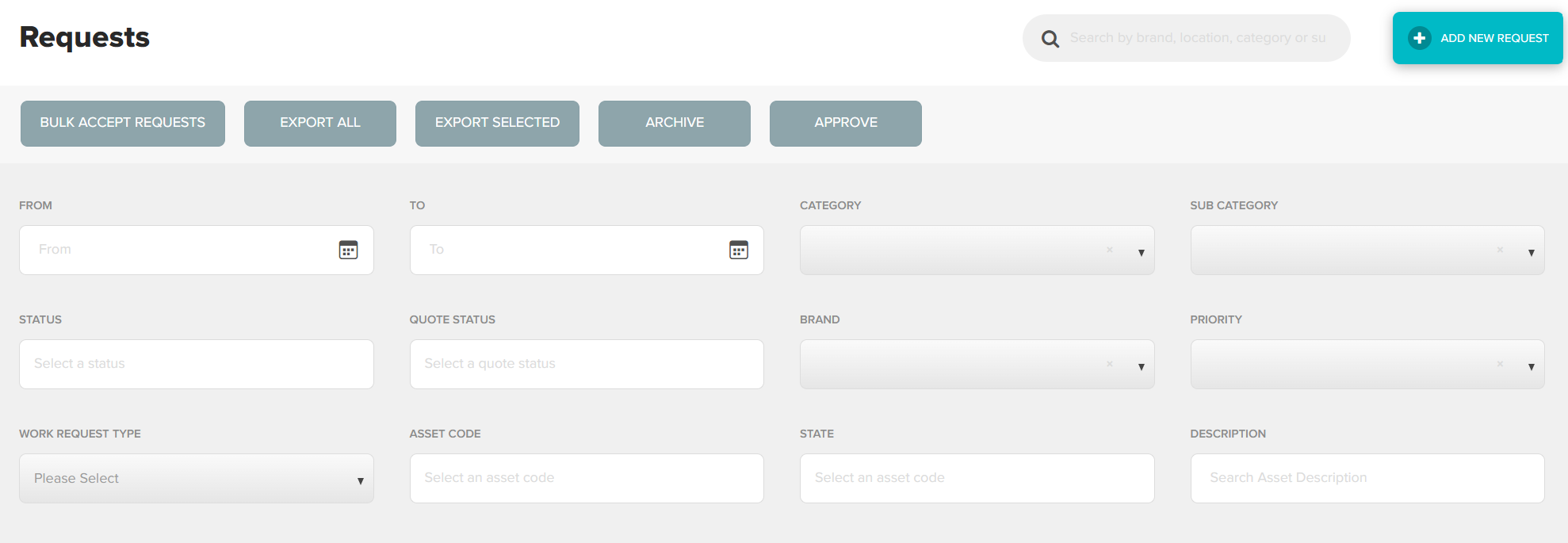
Once you have located the correct request, double click anywhere in the request to view in full
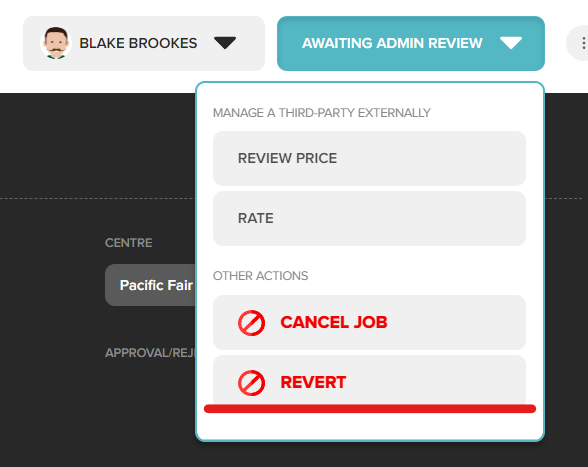
Using the action bar at the top right of the screen, click Review Price 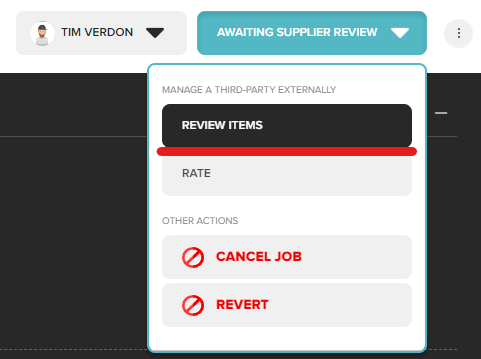
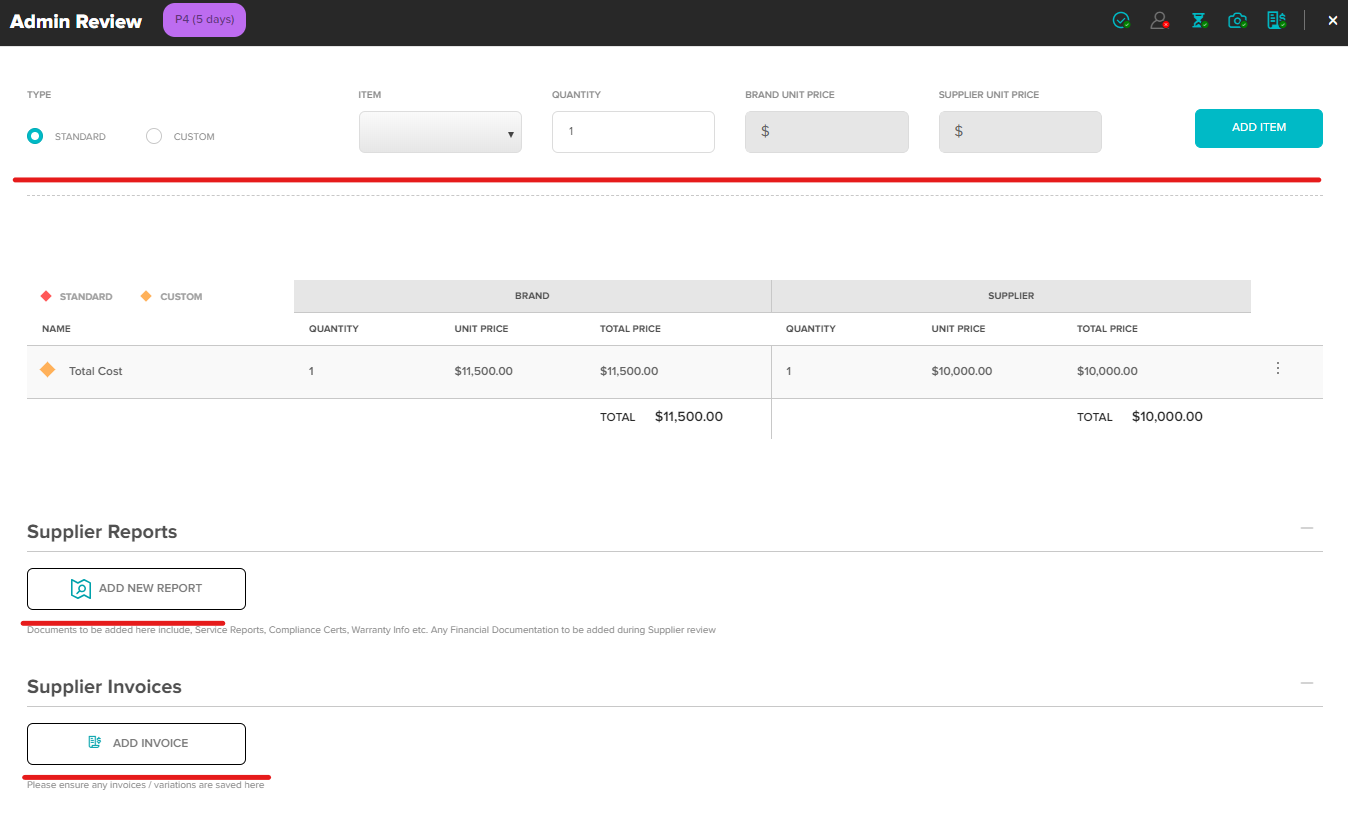
The Admin Review screen will allow you to review all information provided by the supplier or add missing items in on their behalf, including
- Suppliers notes / comments
- Completion Photos
- Service Reports
- Cost Breakdown (items)
- Invoices
Click Approve to close request ready for invoicing.
Reverting a WR
If a request was pushed to the Admin Review status early, you can revert it back to the Supplier Review Status via the action bar.
Was this article helpful?
That’s Great!
Thank you for your feedback
Sorry! We couldn't be helpful
Thank you for your feedback
Feedback sent
We appreciate your effort and will try to fix the article