As a Super Admin user you have the ability to create a Work Request (WR) for any Brand / Location. Information entered should be as detailed as possible.
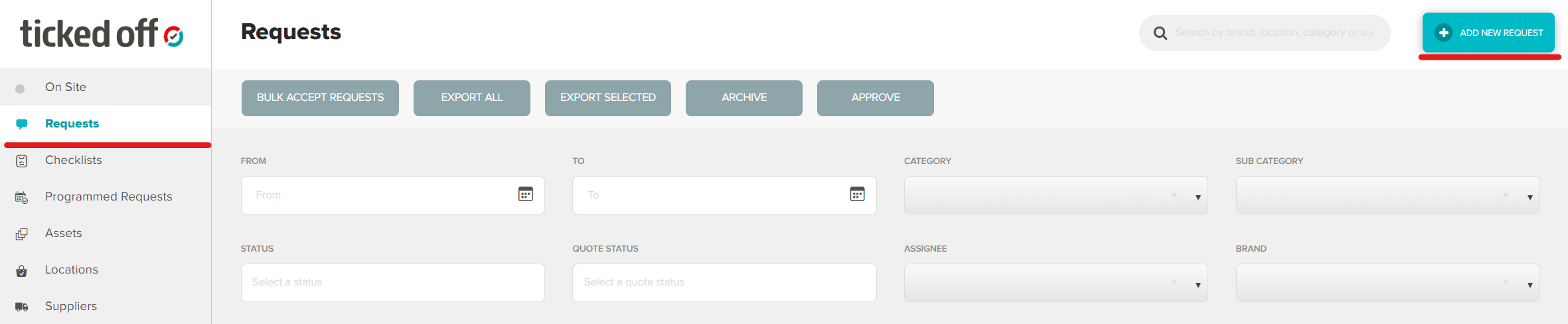
From the Requests tab, click Add New Request in the top right corner.
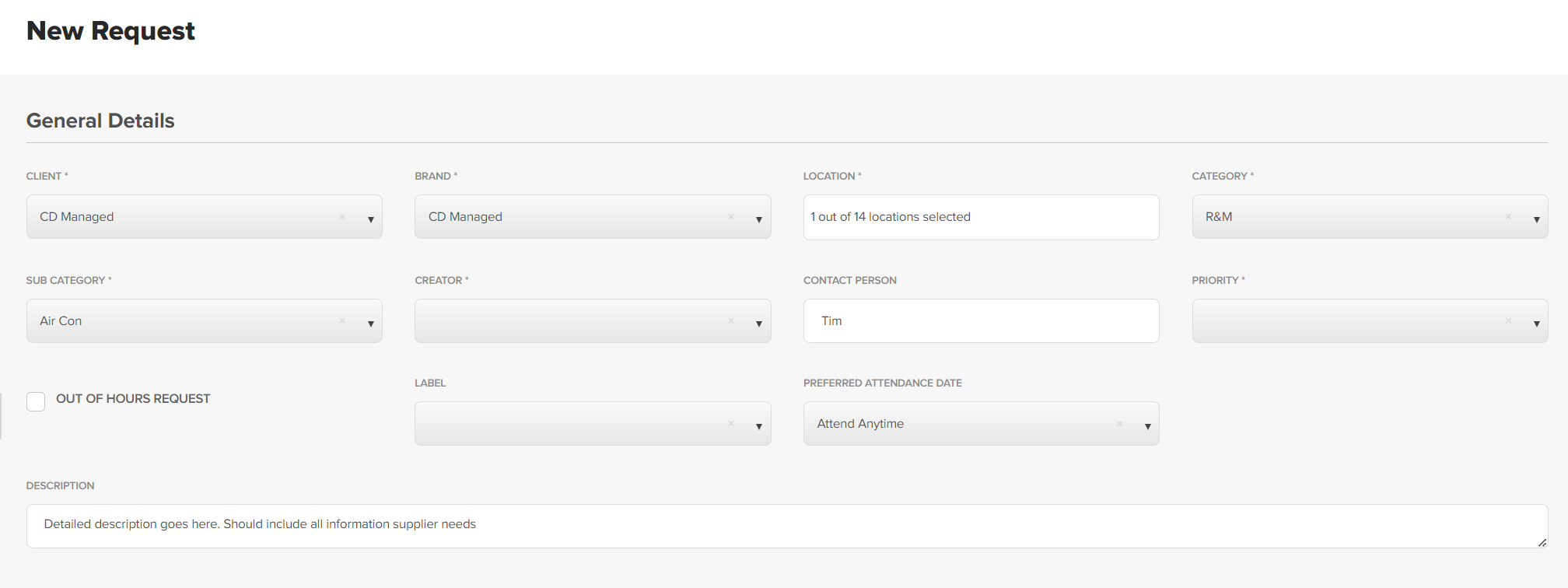
Using the dropdown boxes, complete form. Information required includes
- Brand
- Location
- Category / subcategory
- Contact person
- Preferred attendance time
- Description of works
Available assets will be listed. Double click asset to add to WR.

Add any relevant documents / photos that will assist supplier in completing WR. 
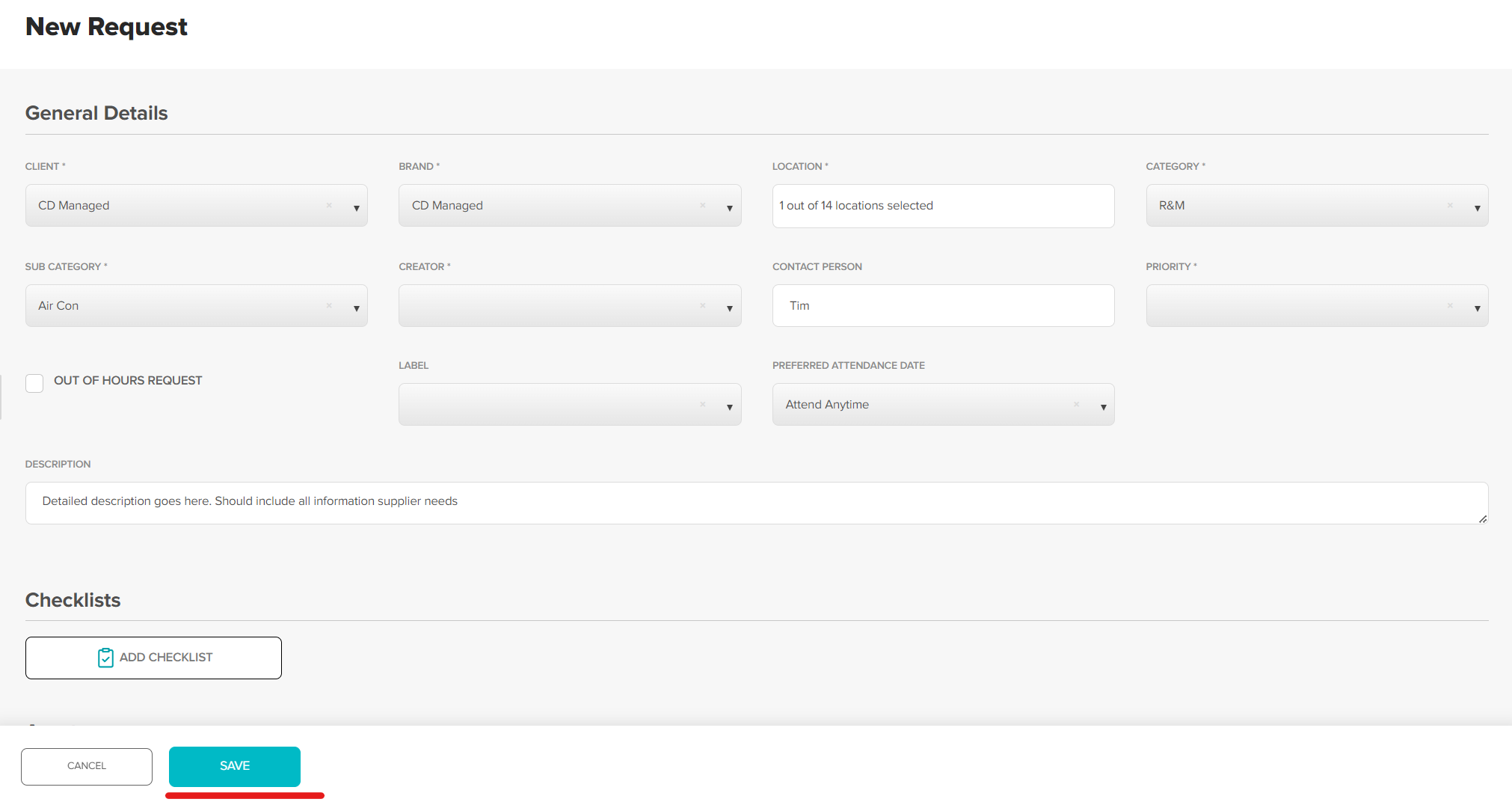
Click Save to submit WR.
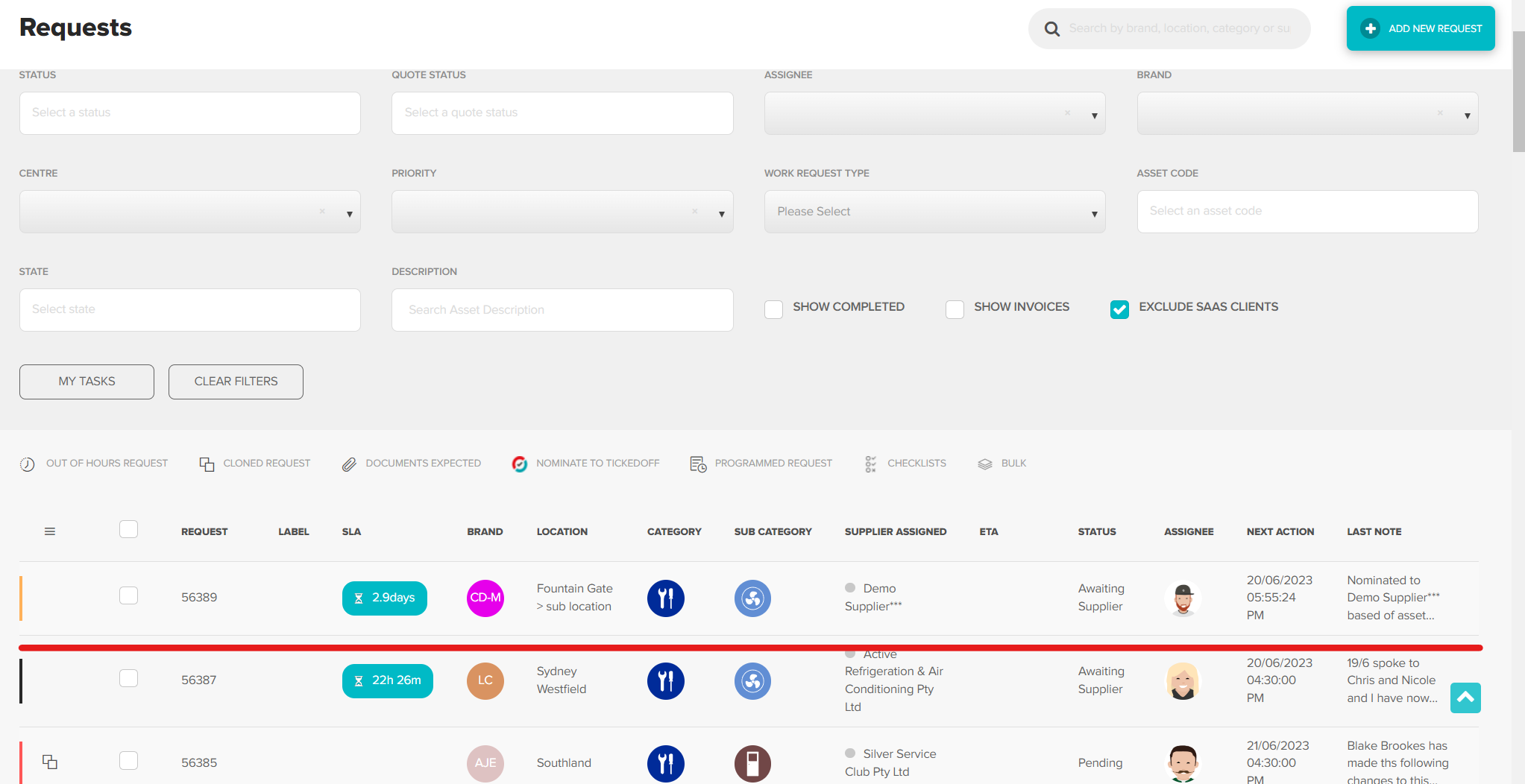
New request will be located at the top of the list view, ready for next action.
Was this article helpful?
That’s Great!
Thank you for your feedback
Sorry! We couldn't be helpful
Thank you for your feedback
Feedback sent
We appreciate your effort and will try to fix the article