Supplier Nomination is now available from the mobile app. To nominate requests to suppliers please follow the below steps.
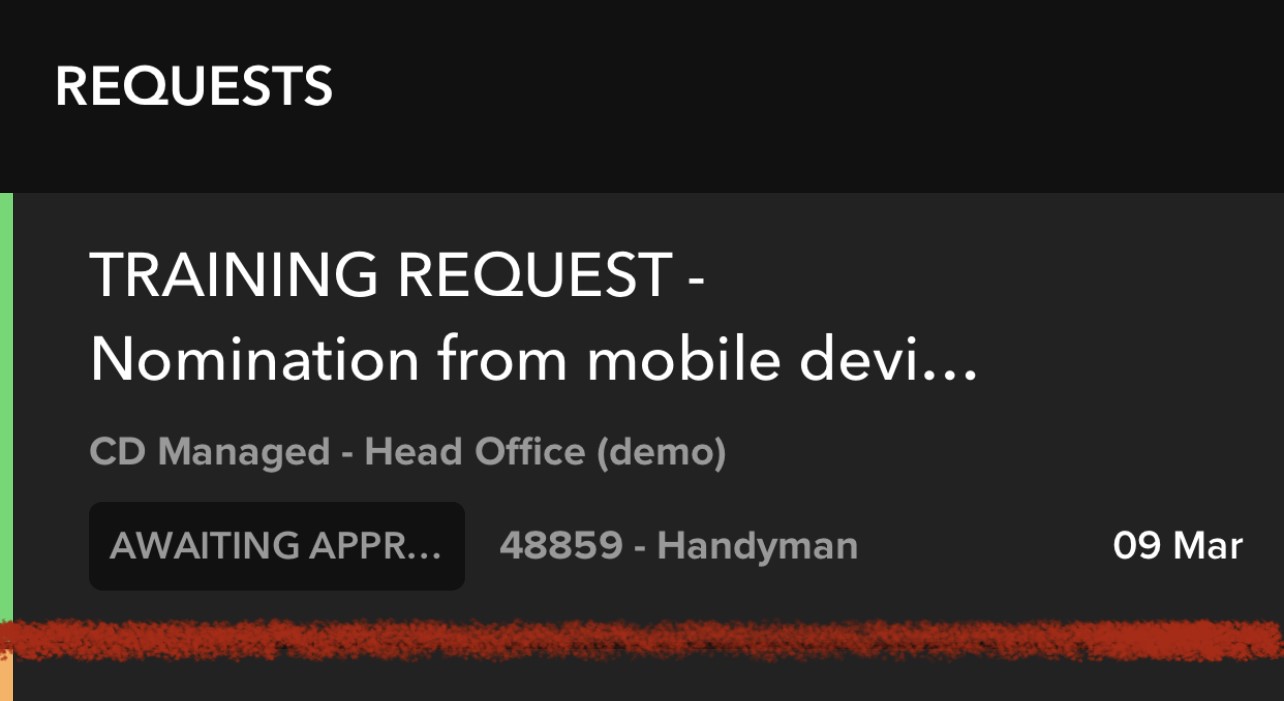
First locate the request and tap to open in full
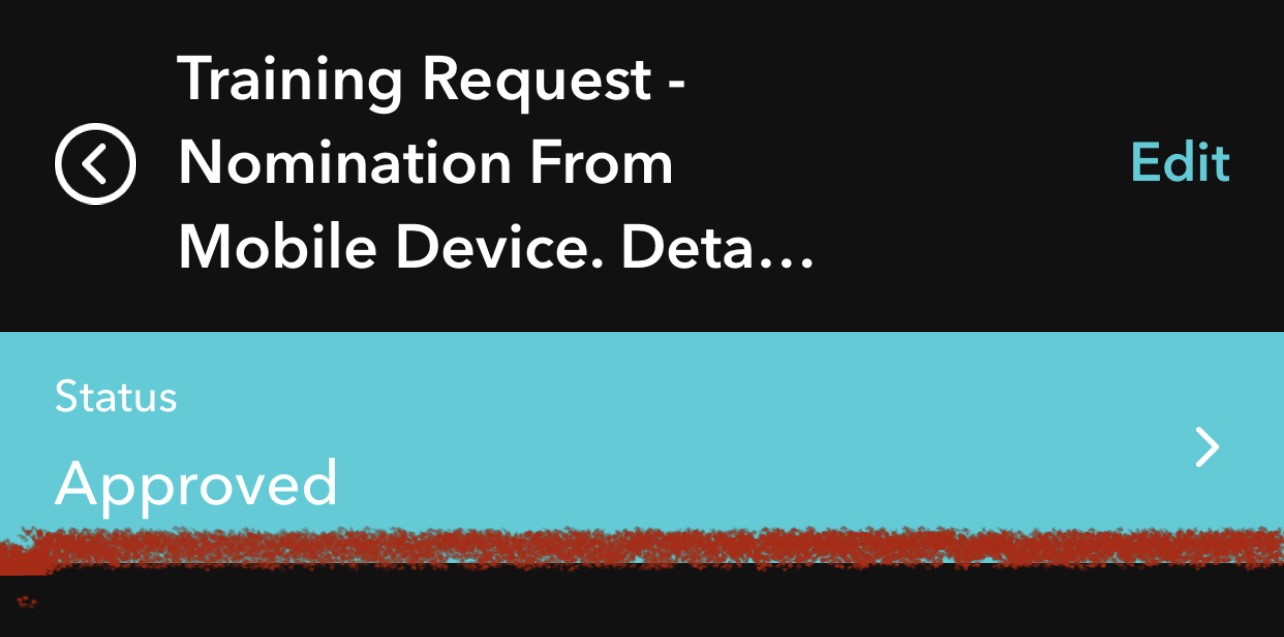
Tap the action bar to see available actions
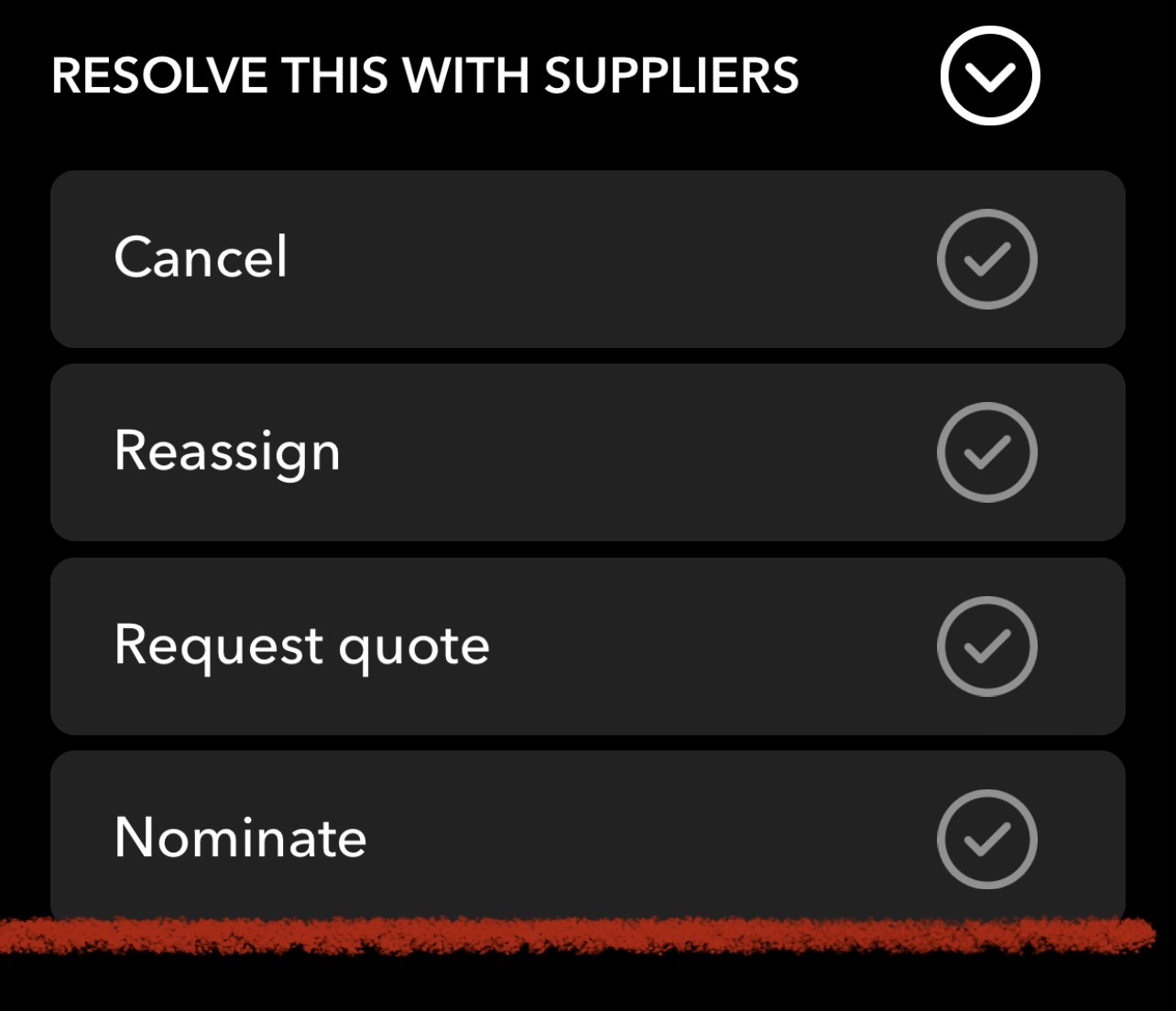
Tap Nominate to see suppliers
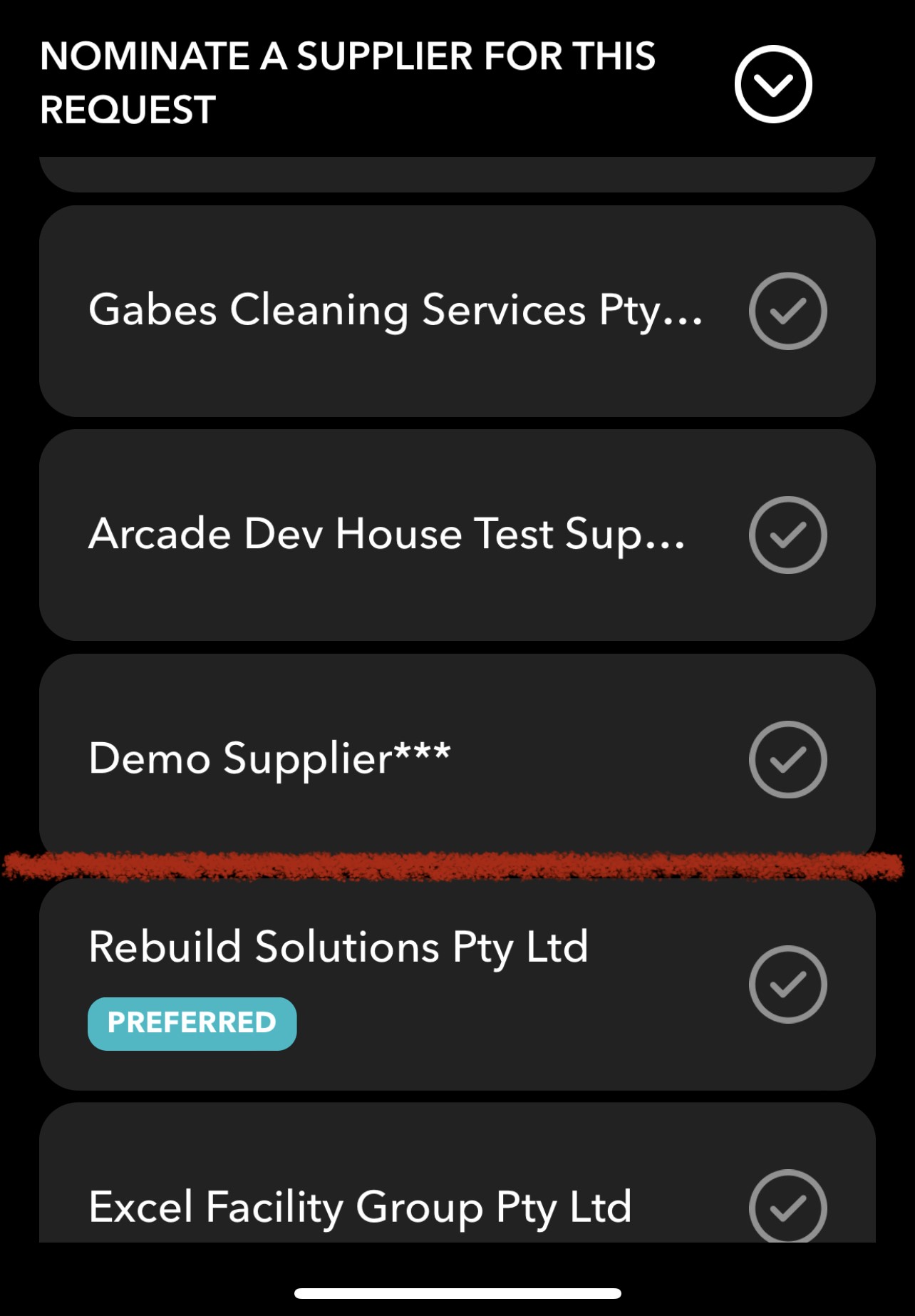
From the list, tap the Supplier you would like to nominate
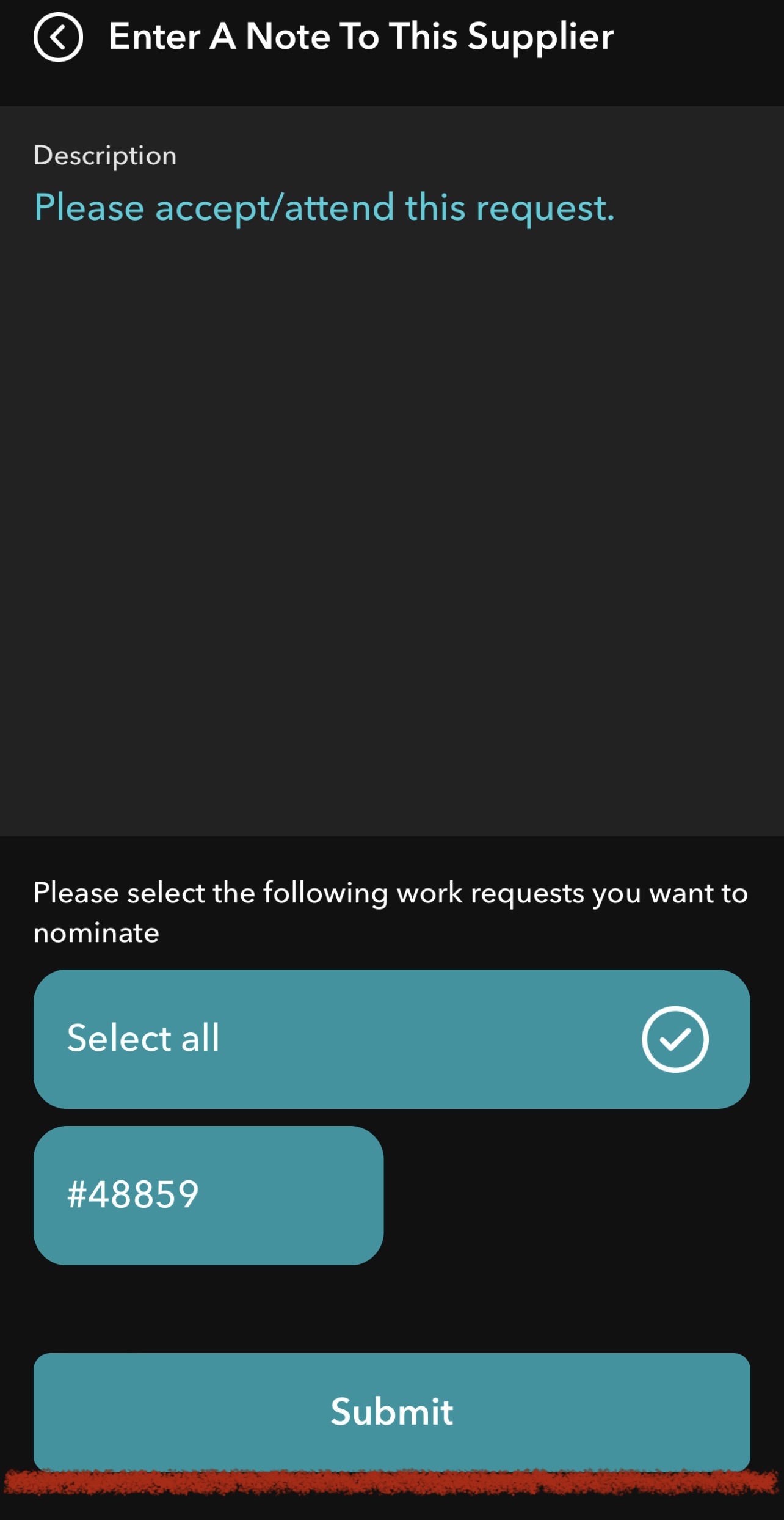
Enter a Nomination Note if required, tap Submit to confirm nomination
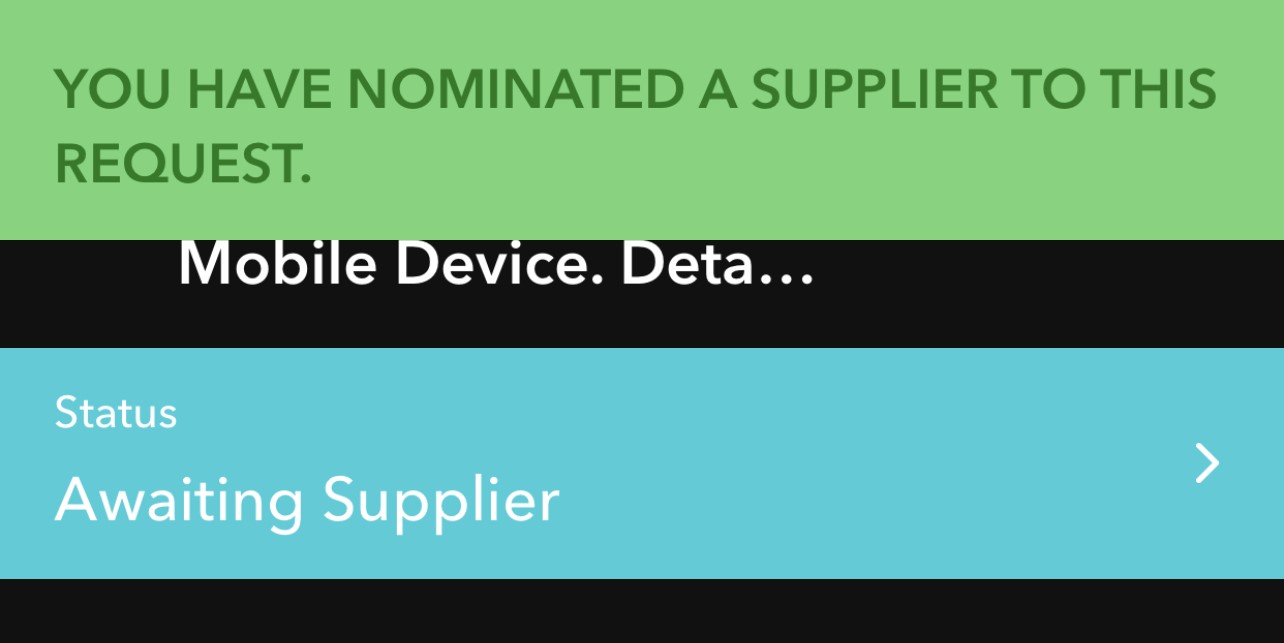
Work Request will now enter the Awaiting Supplier status. Supplier will be notified by all usual methods
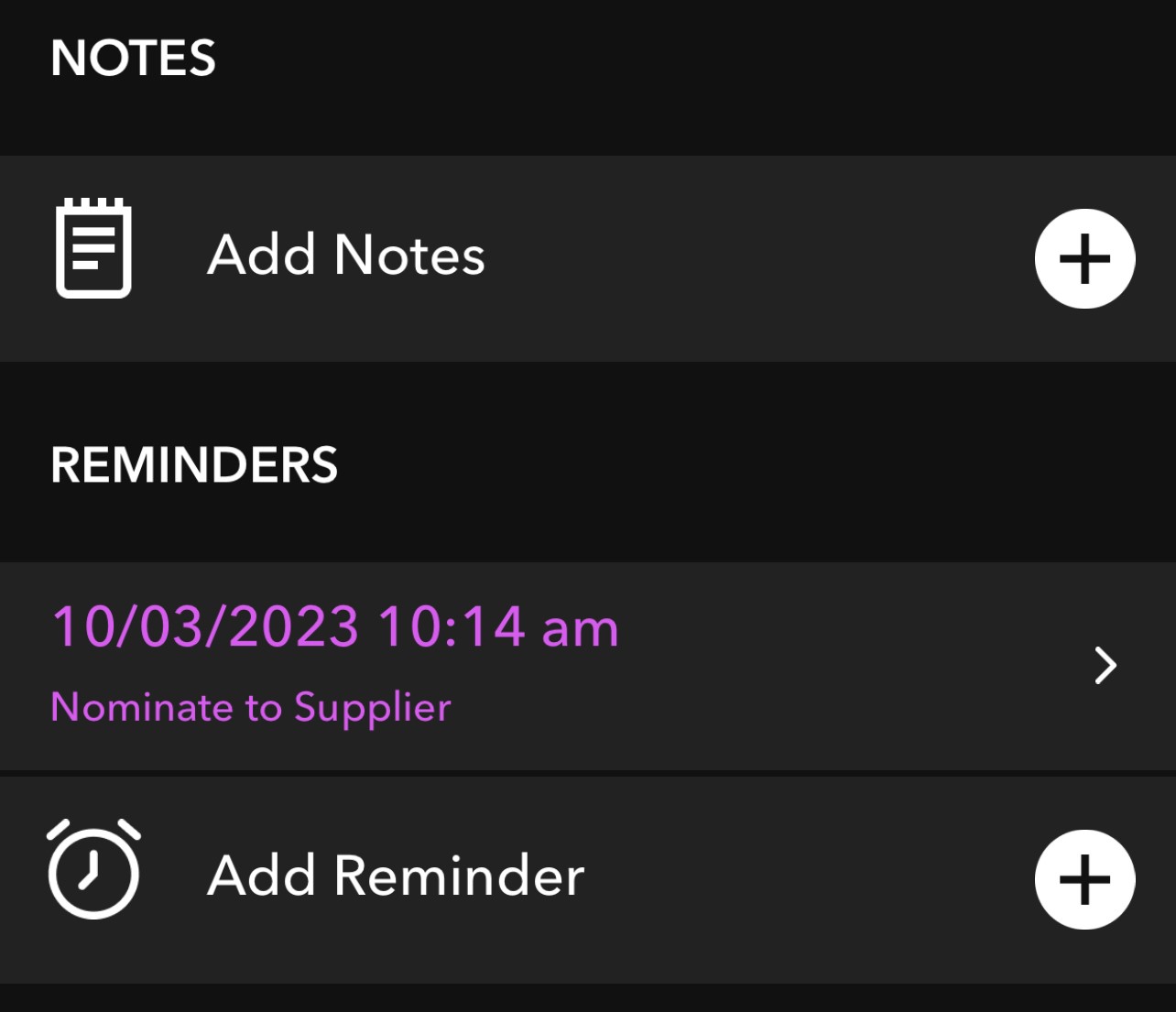
Notes / Reminders can be updated at the bottom of request.
Was this article helpful?
That’s Great!
Thank you for your feedback
Sorry! We couldn't be helpful
Thank you for your feedback
Feedback sent
We appreciate your effort and will try to fix the article