You are able to cancel a WR in the platform provided it hasn't been nominated to a supplier. If you are unable to cancel please contact your Admin Support ASAP.
To cancel a request, first locate the request in the platform using the request filters.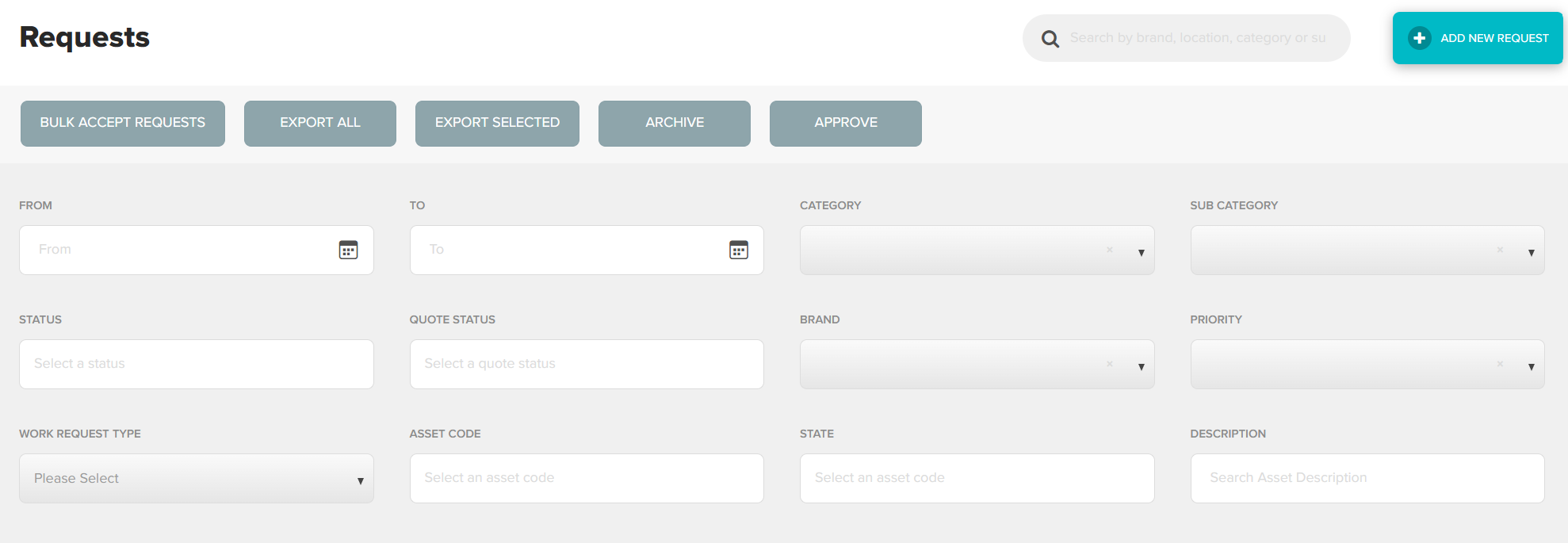
Once you have located the correct request, double click anywhere in the request to view in full
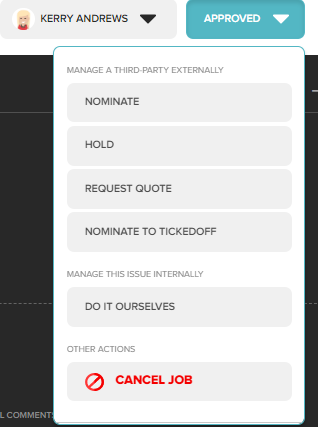
Using the action bar at the top right of the screen, select Cancel Job
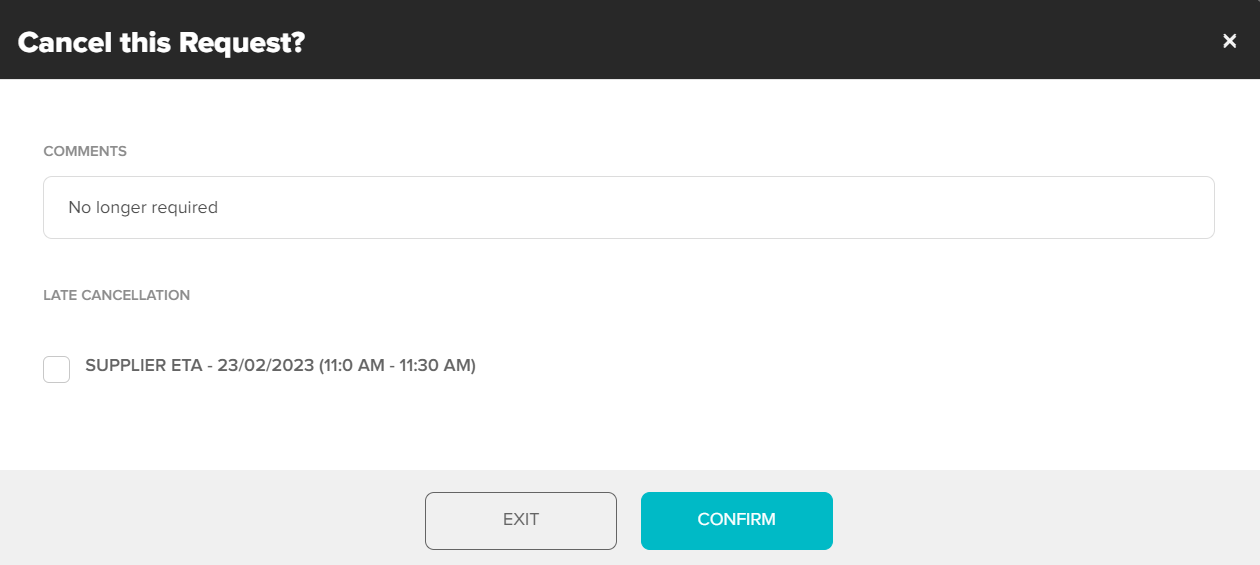
Enter a cancellation note (will be included in cancellation notification and be visible on WR) select Confirm to cancel
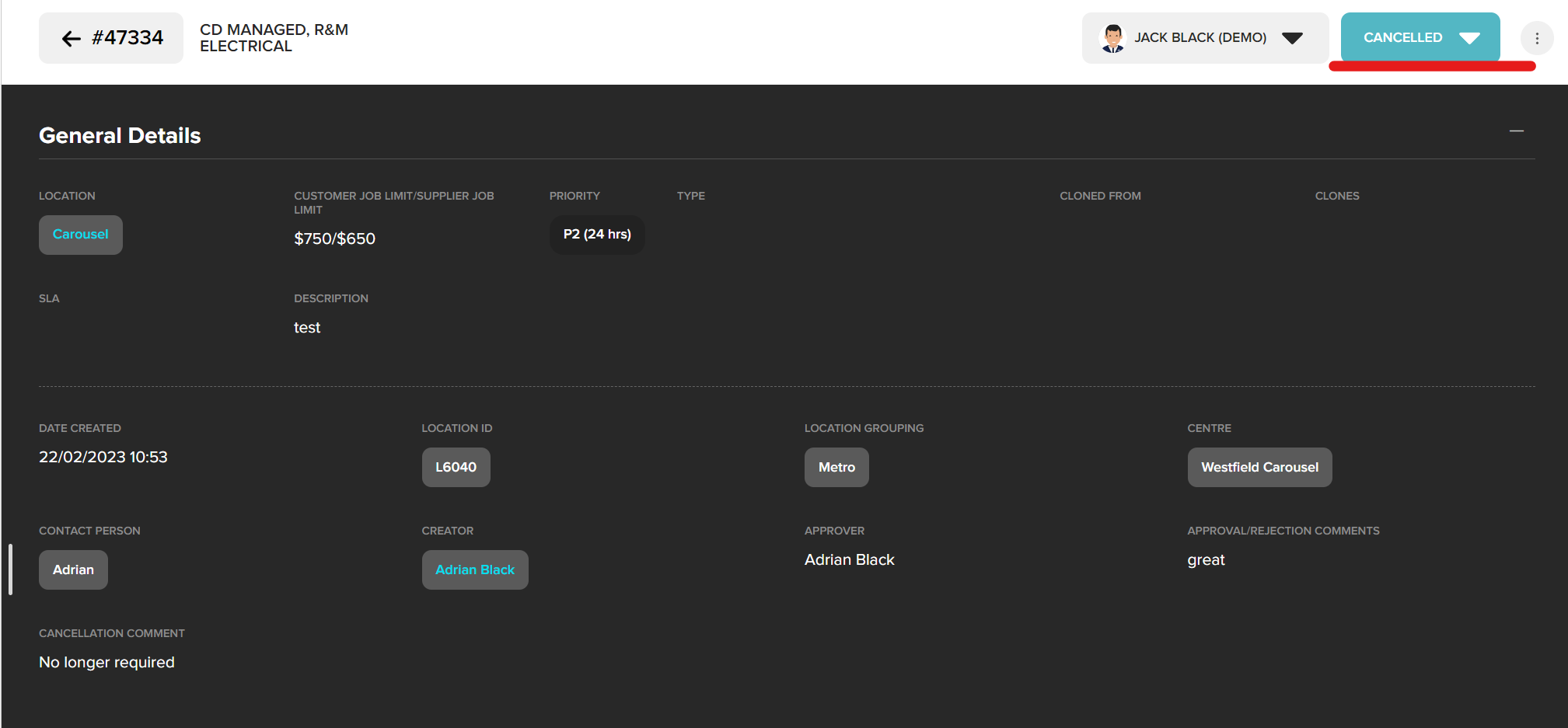
The status of this request will now be changed to cancelled
Was this article helpful?
That’s Great!
Thank you for your feedback
Sorry! We couldn't be helpful
Thank you for your feedback
Feedback sent
We appreciate your effort and will try to fix the article