Not all fields are mandatory when attending requests. Here is a quick guide on speeding up the attend process in the app. Skipped items may still be provided during the Supplier Review status.
Click the action button.
Click the "Attend" button to continue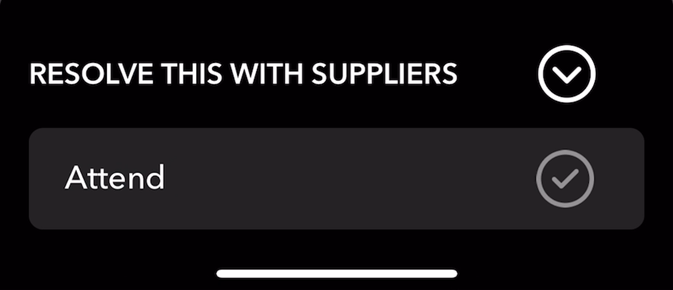
Complete all fields on this page including completion photos. Click "Next" to continue 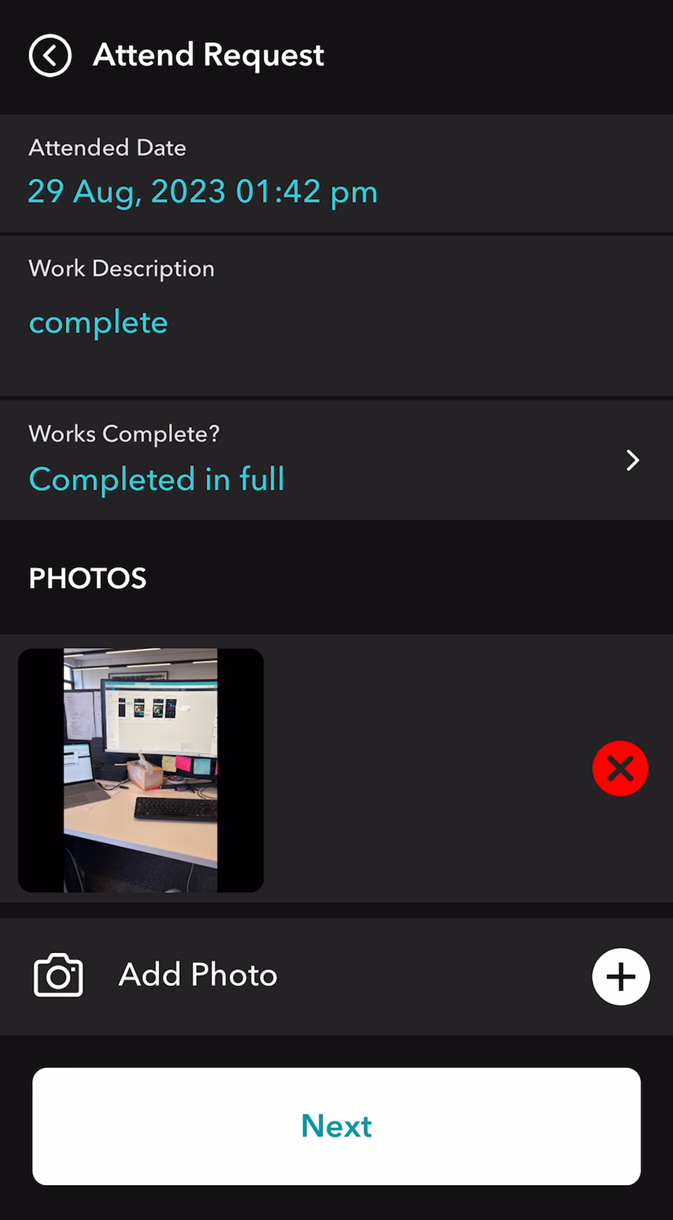
To skip adding costs, simply click "Next" to continue.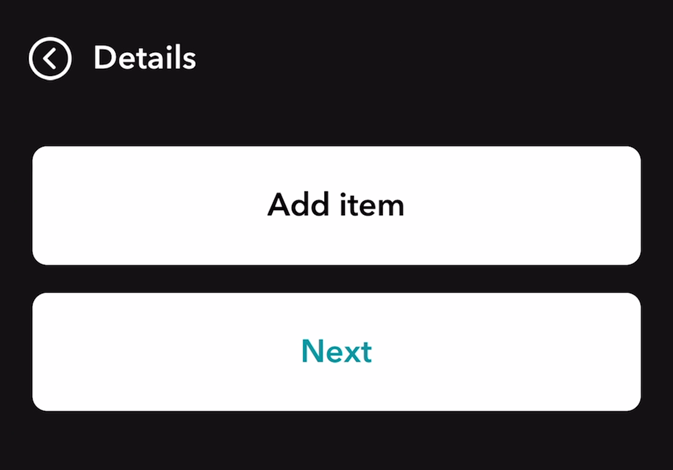
To skip providing a rating, simply click "Submit"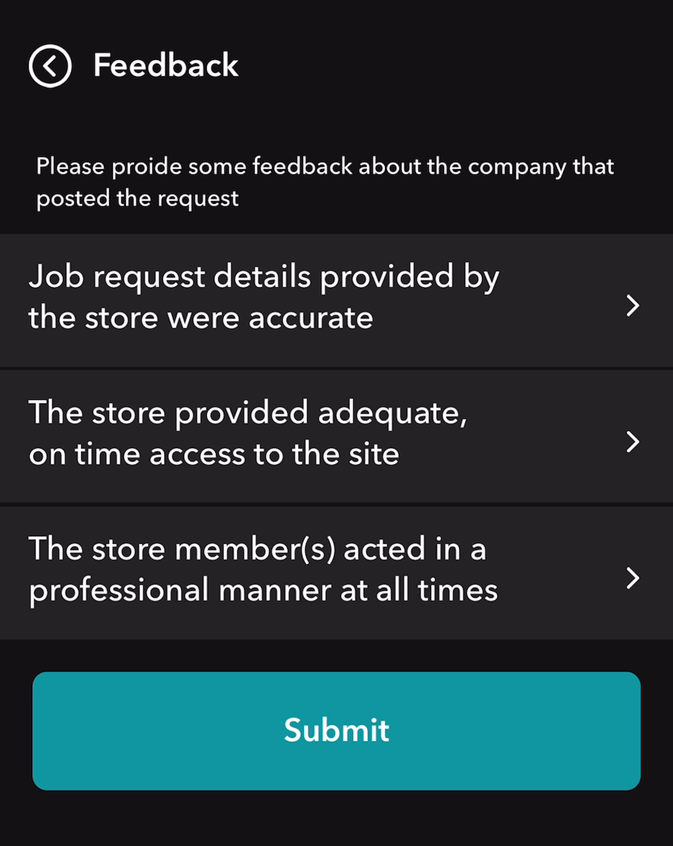
Requests will now be moved into the Supplier Review status. Cost, reports, invoices and completion photos can all be added when completing the supplier review.
Was this article helpful?
That’s Great!
Thank you for your feedback
Sorry! We couldn't be helpful
Thank you for your feedback
Feedback sent
We appreciate your effort and will try to fix the article