Here is a quick breakdown of all tabs in the platform and the function of each.
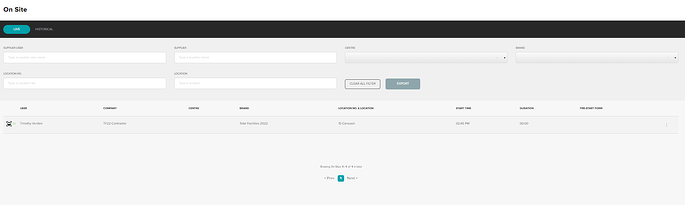
Onsite
The onsite page shows all records of users signing into a location via NFC or QR code. It is split into two sections;
- Live - Showing all users who are currently signed in
- Historical - Showing all past sign in details
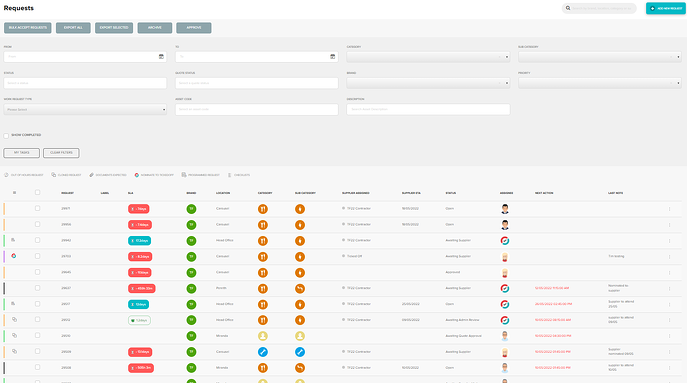
Requests
The request page is where you can search for any/all requests. This is also the page where requests are created, edited and cancelled.
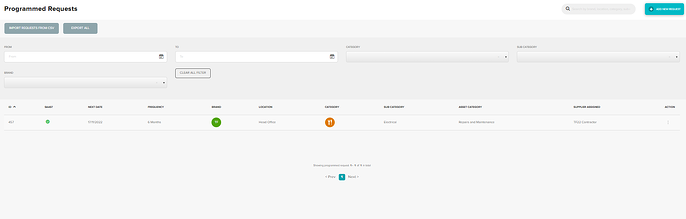
Programmed requests
In this tab you will find all requests that have been set up as programmed requests. This is also where programmed requests are created, edited or deleted.
Using the search bar, you can narrow down the results using site location and or changing the category or brand fields. The column titles are also clickable and will sort the results in alphabetical or numerical order.
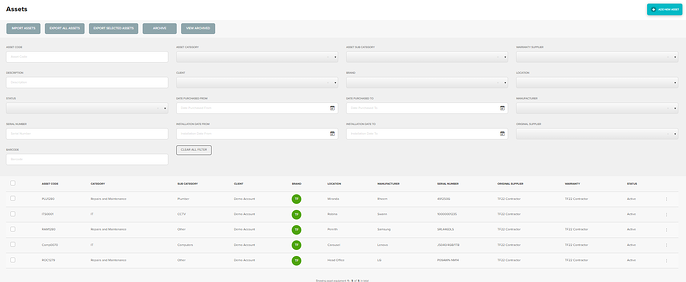
Assets
The asset page is a register of all assets that have been created. This is also where assets are created, edited or deleted. Use the filters to narrow down displayed requests.
Locations
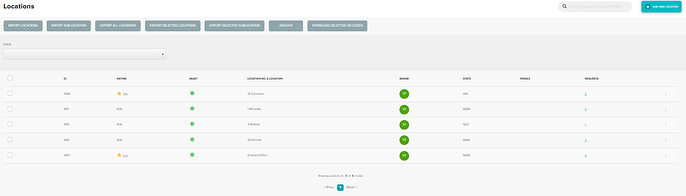
In this tab you can search all sites using the search bar at the top of the page. This is also where Locations are created, edited or archived.
Suppliers
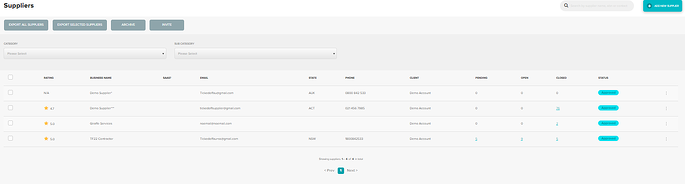
In this tab you can view, edit and archive all Suppliers. Ticked Off suppliers are classified as base suppliers. Clicking on view will open a new page and display further information regarding that supplier (contacts, address, phone numbers etc.). You will also see open and closed requests listed at the bottom of the page.
Reports
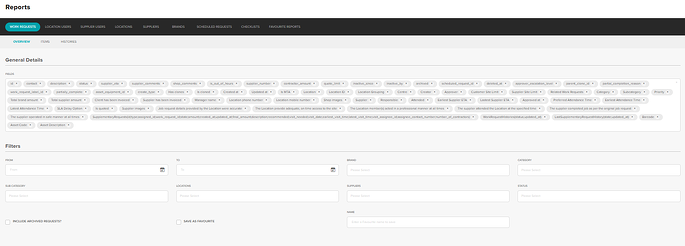
Any piece of data that is captured in the platform can be reported on. Each report feeds into our PowerBi integration. This is the tab where you can generate CSV from if needed. The blue titles are clickable and will narrow down the report criteria.
Users
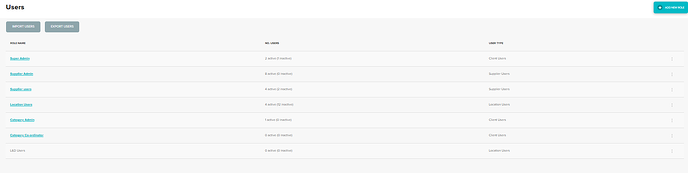
The users tab is where you can search all users. Split into users roles use the three dots to the right to access further info. From here you can create edit and archive users. You can also creates custom user roles and make changes to user permissions.
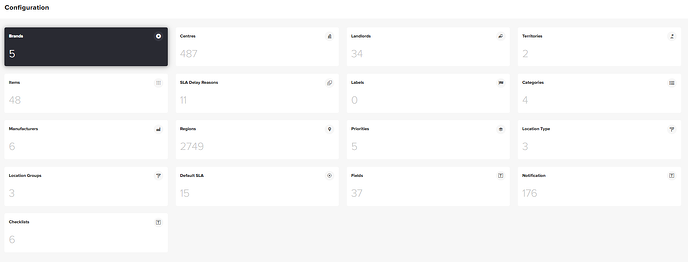
Configuration
The configuration tab is where all backend configuration is located.
Was this article helpful?
That’s Great!
Thank you for your feedback
Sorry! We couldn't be helpful
Thank you for your feedback
Feedback sent
We appreciate your effort and will try to fix the article