Updating and managing Ticked Off notifications is simple. Simply manage via your Profile area.
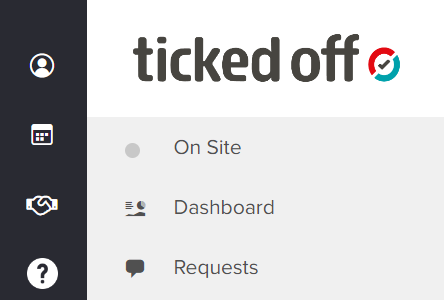
Click on the person icon located in the top left corner
This will then open up Your Profile area, which contains all your personal details such as name, email, job title etc.
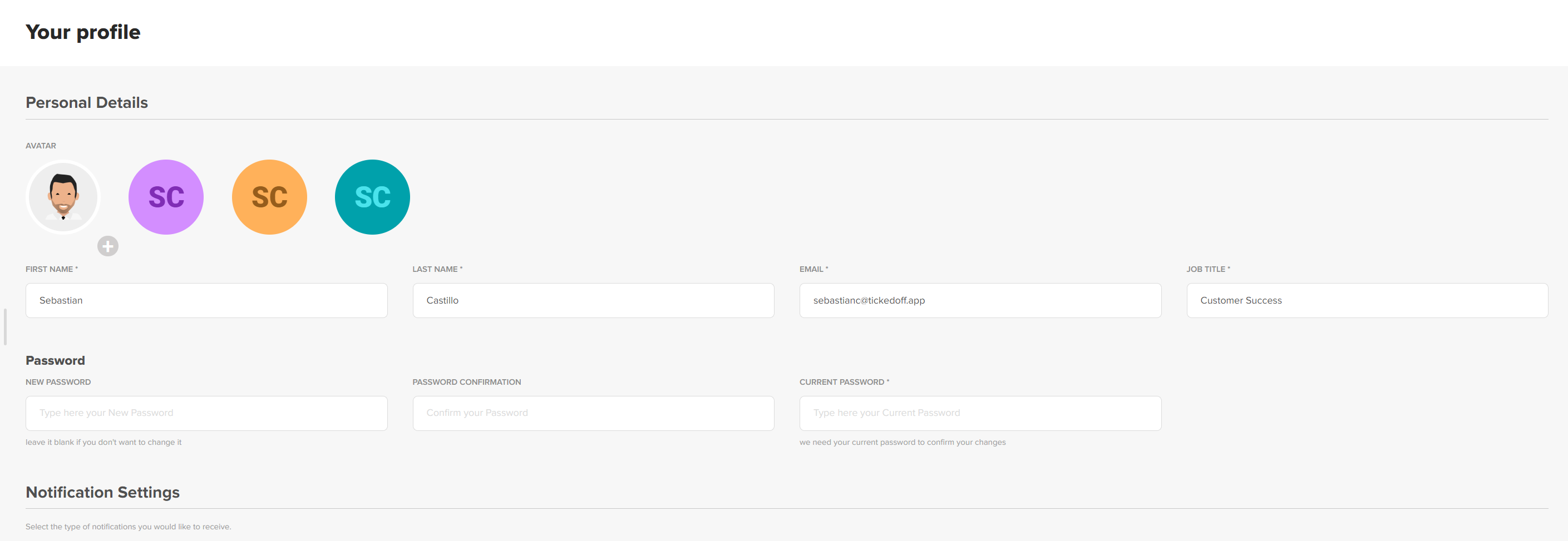
Scroll down the page where you will find Notification Settings
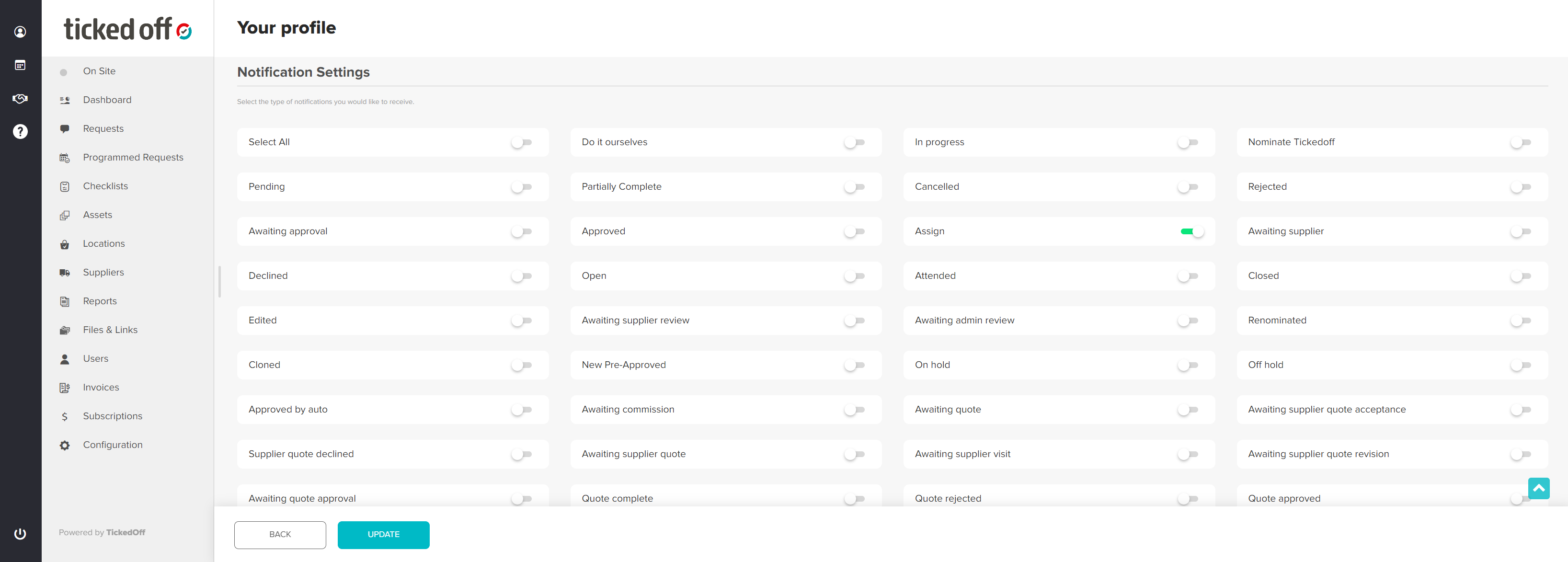
Push the slider to green for the notifications you wish to receive and then click on the Update button to save.
Was this article helpful?
That’s Great!
Thank you for your feedback
Sorry! We couldn't be helpful
Thank you for your feedback
Feedback sent
We appreciate your effort and will try to fix the article