You can add extra value to the Asset management feature by rolling out the Asset QR code stickers.
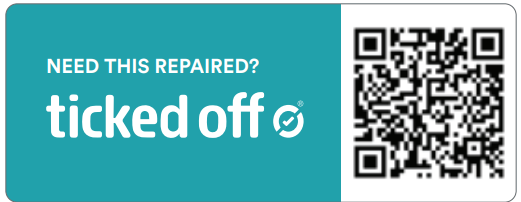
Anyone can raise a Work Request for a broken or damage asset, by simply scanning the QR code. This will open a simplified version of a Work Request for them to report the issue, and add photos. The request will then be submitted to your administrator to review and approve. All of the Asset information will automatically be linked to the Work Request.
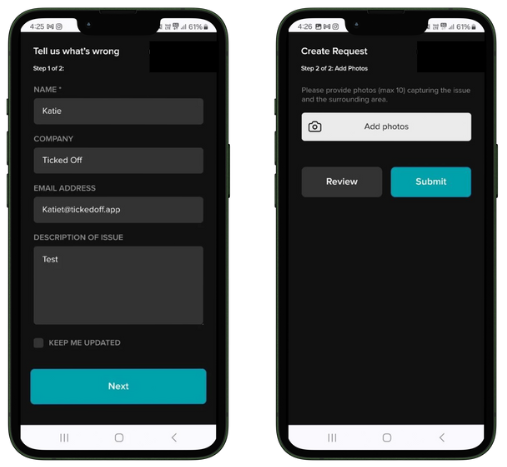
This allows guests, customers and members of the public to report potential hazard issues to you as soon as they happen - minimising down time on equipment, and ensuring efficient WHS management and compliance.
Reach out to us at support@tickedoff.app to see how this could work for you!
Was this article helpful?
That’s Great!
Thank you for your feedback
Sorry! We couldn't be helpful
Thank you for your feedback
Feedback sent
We appreciate your effort and will try to fix the article