This process aims to standardise the collection of information required to configure suppliers accounts, and ensure all suppliers are fully trained and supported in a consistent manner to ensure their success.
Step 1 - Required information
Supplier to be sent supplier intro URL and asked to complete the registration form -
https://hello.tickedoff.app/new-supplier-introduction
Who: Operations team
Step 2 - Information returned
Supplier submits rego form via intro URL. Suppliers register their details and Support set them up in the system based on information provided in the form (ABN, address, contact name and number, areas that they service etc).
Who: Supplier
Step 3 - Supplier Configuration
Supplier is configured in the platform. This involves creating company profile and user accounts, categories.
Who: Ticked Off Support team
Step 4 - Online training session booked
Suppliers are invited to join our online training sessions. These sessions are held bi-weekly, Tuesdays and Thursdays (some flexibility with dates).
https://calendly.com/tim-tickedoff/tues-am?month=2024-01
https://calendly.com/tim-tickedoff/thurs-pm?month=2024-02
Suppliers register for training which consists of x2 30-minute sessions to get them acquainted with the Ticked Off platform.
Training is conducted online via Teams or Zoom with Seb and Tim your dedicated Ticked Off trainers.
Who: Ticked Off Support team
Step 5 - Supplier review
The support team will monitor the supplier ensuring adequate and consistent platform use.
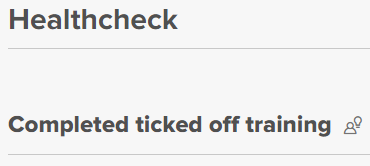
Support will review key milestones following the health check metrics as a guide and follow up with 1:1 training if required based on flagged areas.
Who: Ticked Off Support team
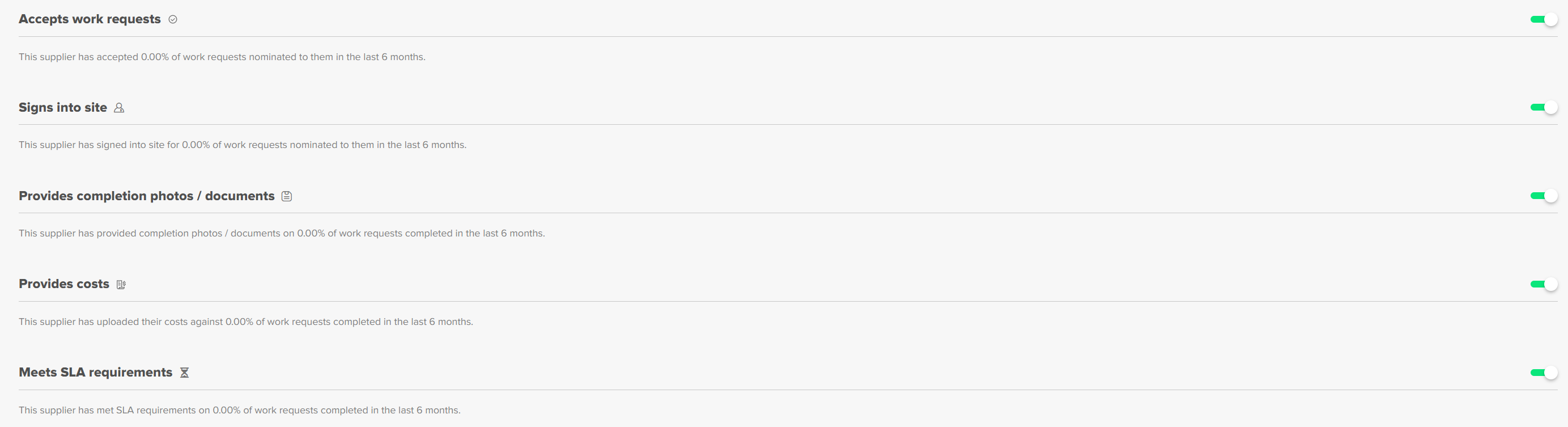
Step 6 – Check In
Notifications will inform Support of the progress made and areas of concern. The review will dictate whether we need to check in with the supplier and revisit specific areas within the system.
The check in will be used to follow up and gauge how the supplier is progressing, highlight areas of improvement, opportunity for the supplier to report any roadblocks, provide feedback, evaluate user experience and book in additional training.
Who: Support team
Step 7 - Training complete
Once Support determines the supplier is proficient and has satisfactorily checked off and worked through aspects of the system, they will be marked as fully trained/ training completed.
Who: Ticked Off Support team
Was this article helpful?
That’s Great!
Thank you for your feedback
Sorry! We couldn't be helpful
Thank you for your feedback
Feedback sent
We appreciate your effort and will try to fix the article