Notes
Suppliers will now have a dedicated space to add their own notes / comments on a WR.
Located at the bottom of the request, notes entered will be visible to Supplier and Admin user groups.
Type notes / comments in space provided. Click Add Notes to save.
Tagging
Supplier users have the ability to tag users from the following user groups via the WR notes
- Users from within their business
- Client Managers (SaaS)
- Ticked Off Admin (Managed)
Typing @ will display the list of available users

Continue typing the name of the user you are looking to tag to narrow down the results.
Enter your note and click Add Notes. 
Tagged user(s) will receive an email notification that includes your note and a direct link to the WR. 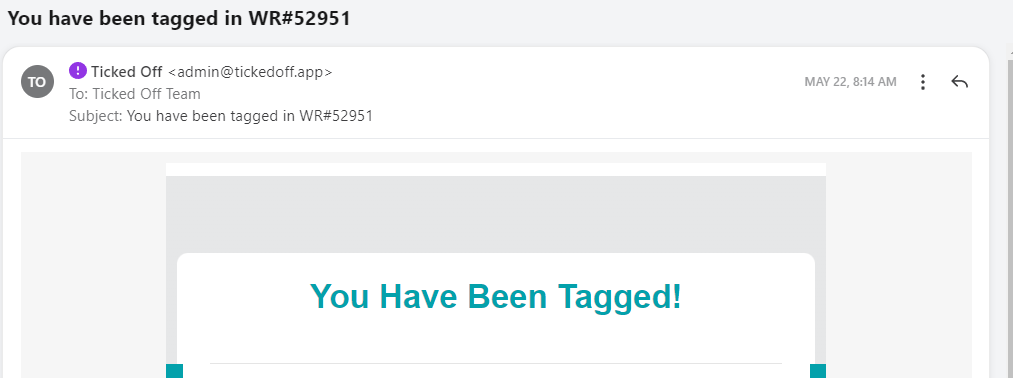
Clicking Reply will pre-populate the user(s) tagged in the new note.

Was this article helpful?
That’s Great!
Thank you for your feedback
Sorry! We couldn't be helpful
Thank you for your feedback
Feedback sent
We appreciate your effort and will try to fix the article