Notes
Suppliers will now have a dedicated space to add their own notes / comments on a WR.
Located at the bottom of the request, notes entered will be visible to Supplier and Admin user groups.
Add Notes
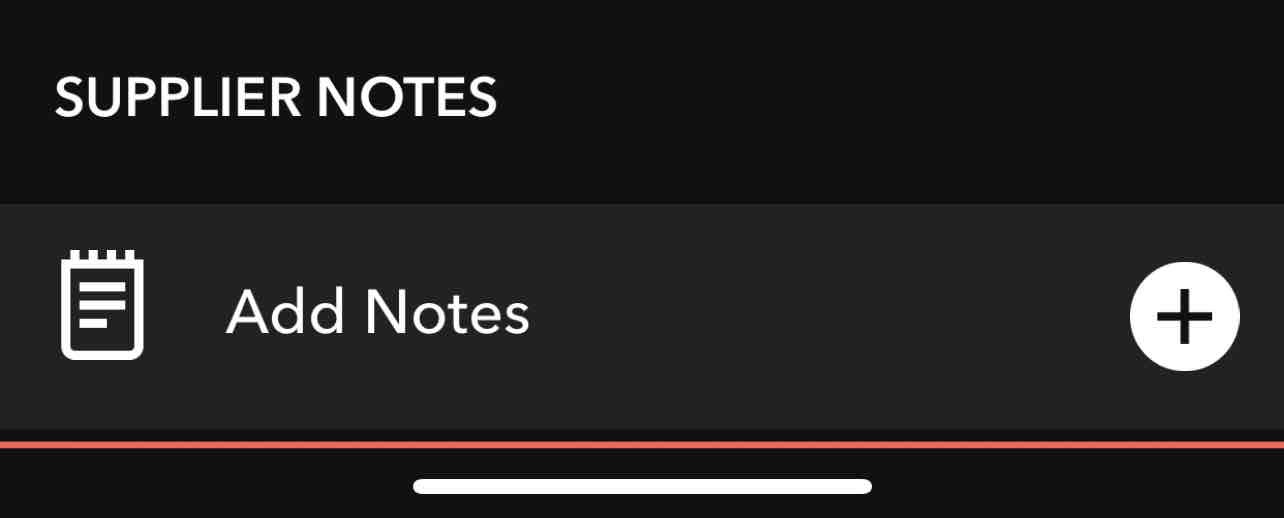
To add notes, Scroll to the Supplier Notes section and tap Add Notes.
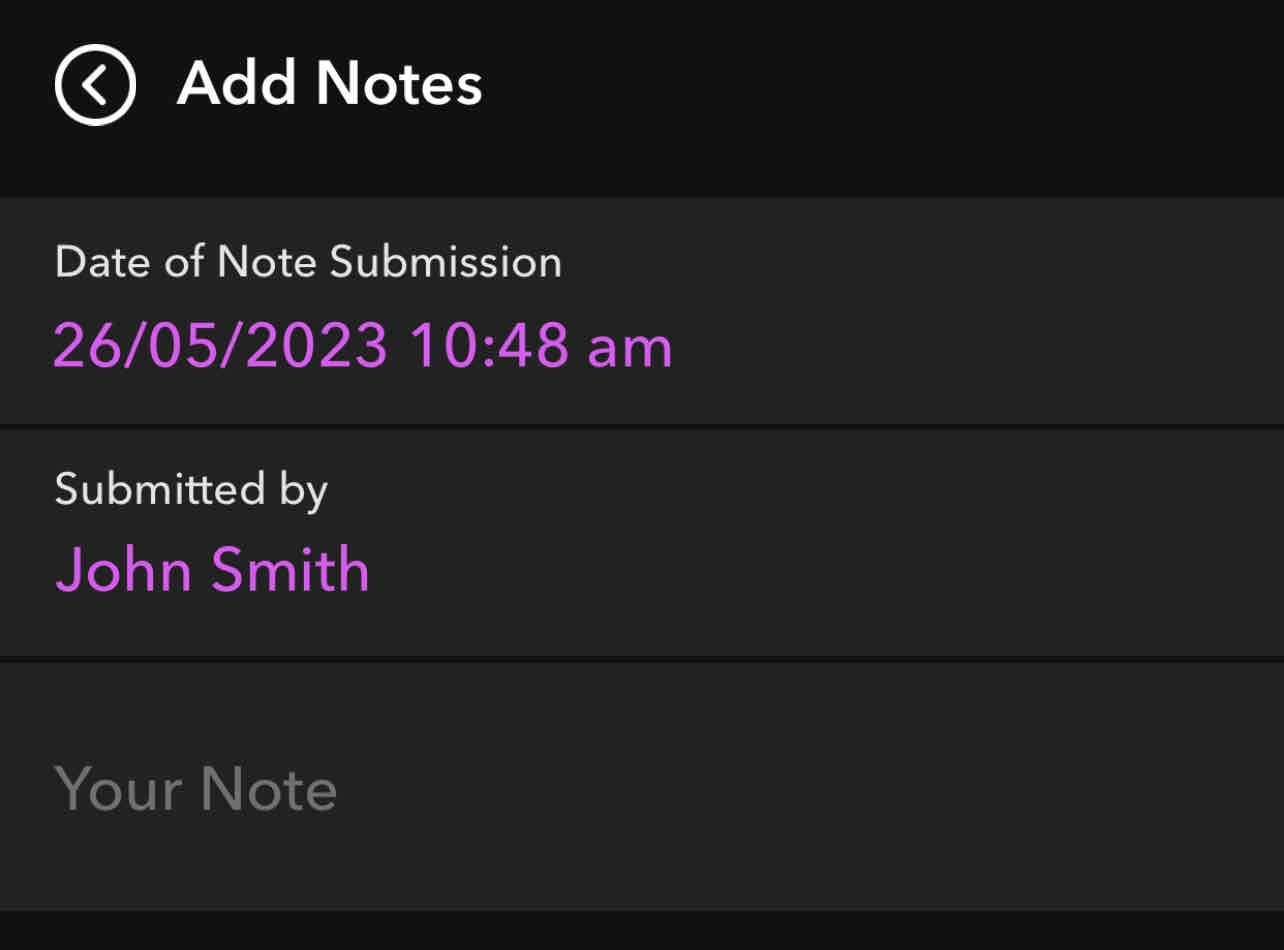
Enter notes into the "Your Note" section. Notes entered here are visible by Admin users (CM/TOA) and Supplier users only (not location users).
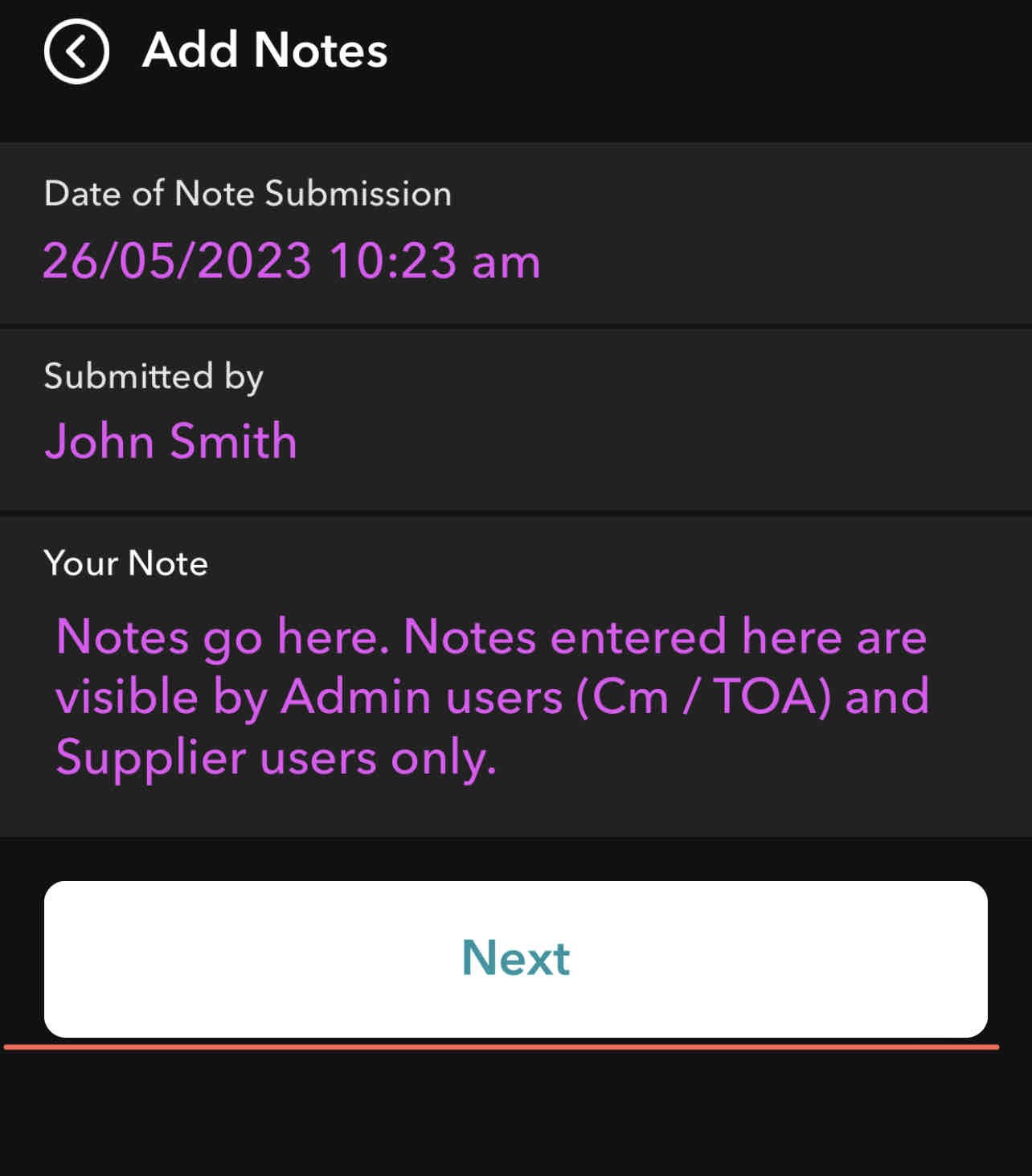
Tap Next to save.
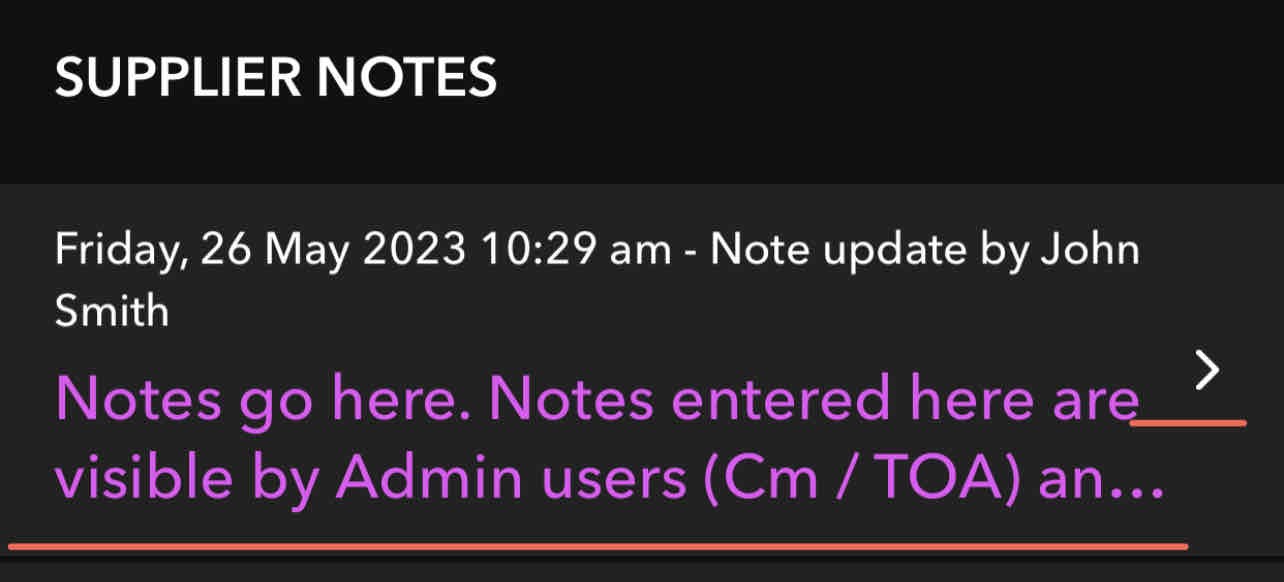
To view a saved note, tap the note
Tagging
Was this article helpful?
That’s Great!
Thank you for your feedback
Sorry! We couldn't be helpful
Thank you for your feedback
Feedback sent
We appreciate your effort and will try to fix the article