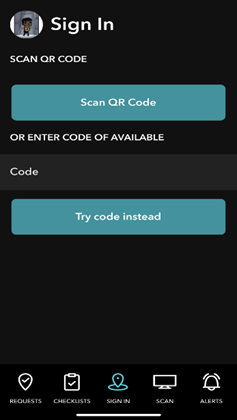
We are excited to announce that all users can now "Sign In" using the Ticked Off QR codes.
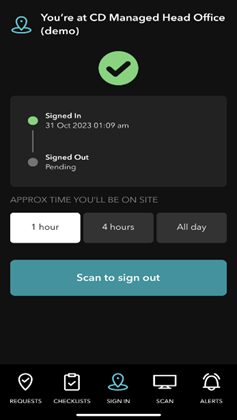
This convenient feature allows users to sign in with their device's camera, or directly through the Ticked Off app.
You can also scan to Sign Out using the app.
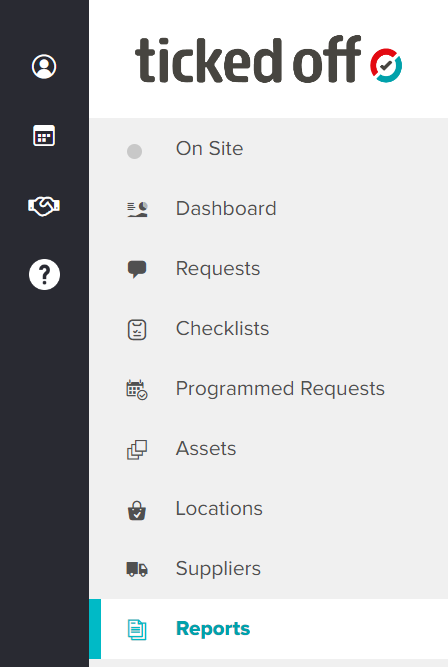
Staff Sign Ins are now visible via the On Site tab on the web platform. (Read more below).
The On Site tab (web platform) provides a record of staff coming in and out.
There is the option to select/switch between Live and Historical data.
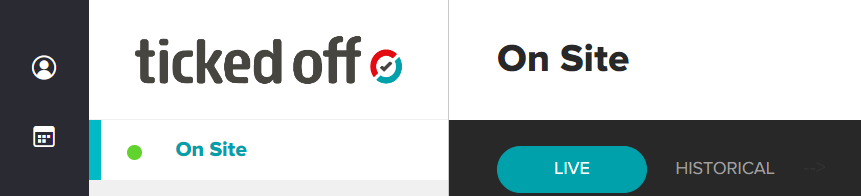
The Live tab will show you any suppliers who are currently on site for a job.
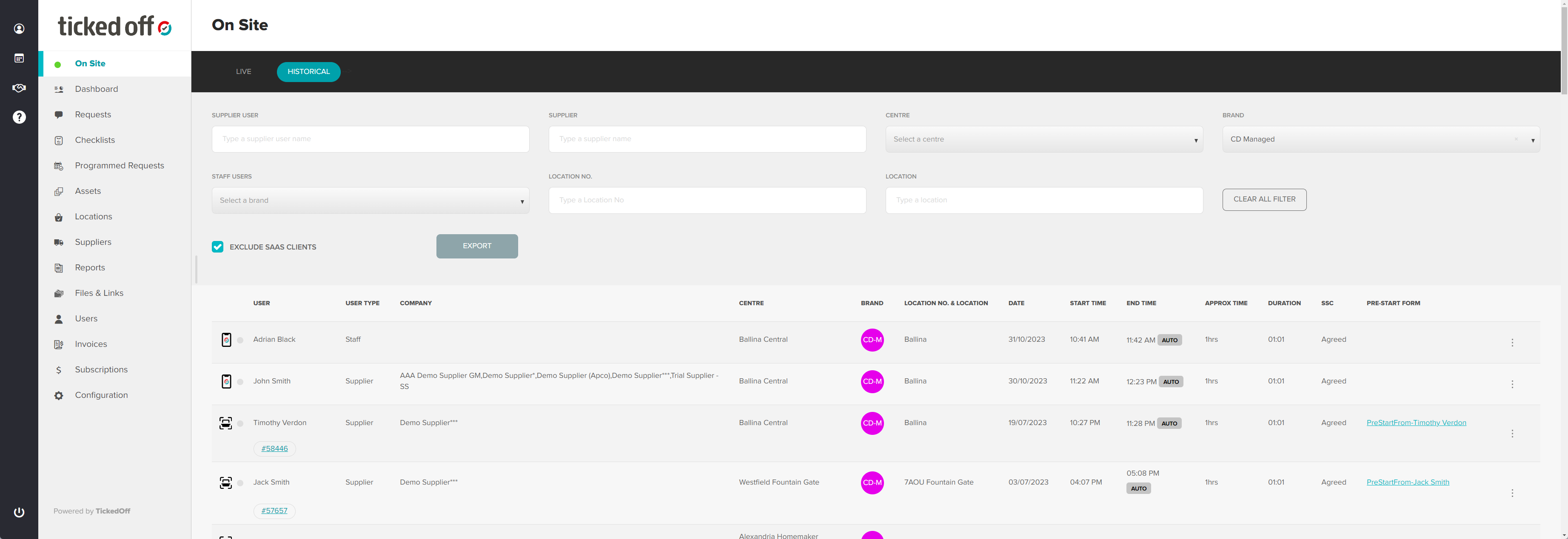
The Historical Data tab will display previous sign in information of users.
One convenient way of searching historical data is by filtering by the Brand name field, which will bring up a list of users under a specific brand.
Reporting capabilities:
Ticked Off users have the ability to report via Power BI. You can generate an On Site report if needed which will provide data on user activity.
To access reports, navigate to the Reports tab.
Was this article helpful?
That’s Great!
Thank you for your feedback
Sorry! We couldn't be helpful
Thank you for your feedback
Feedback sent
We appreciate your effort and will try to fix the article