Locations are managed via the Locations tab.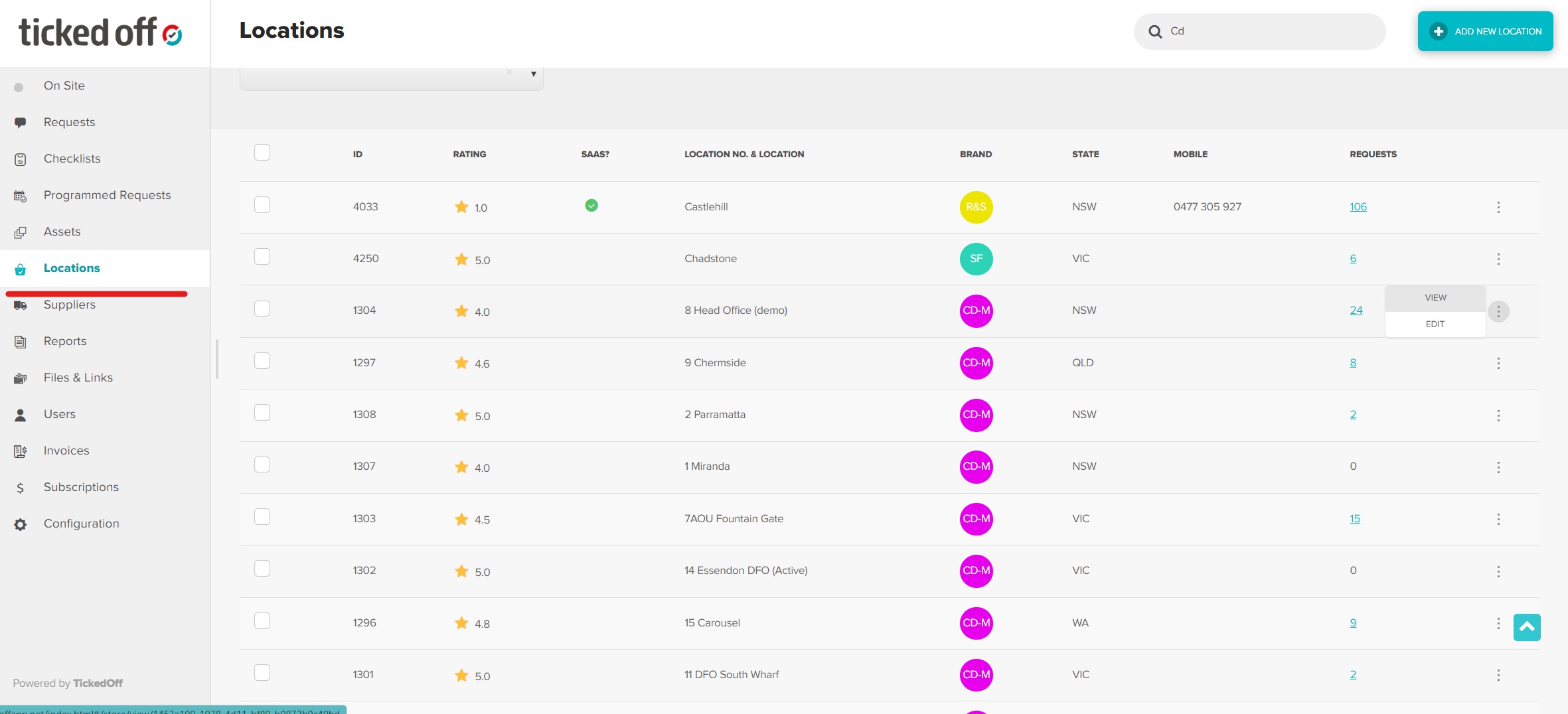
Use the search bar narrow down the results displayed.

Editing
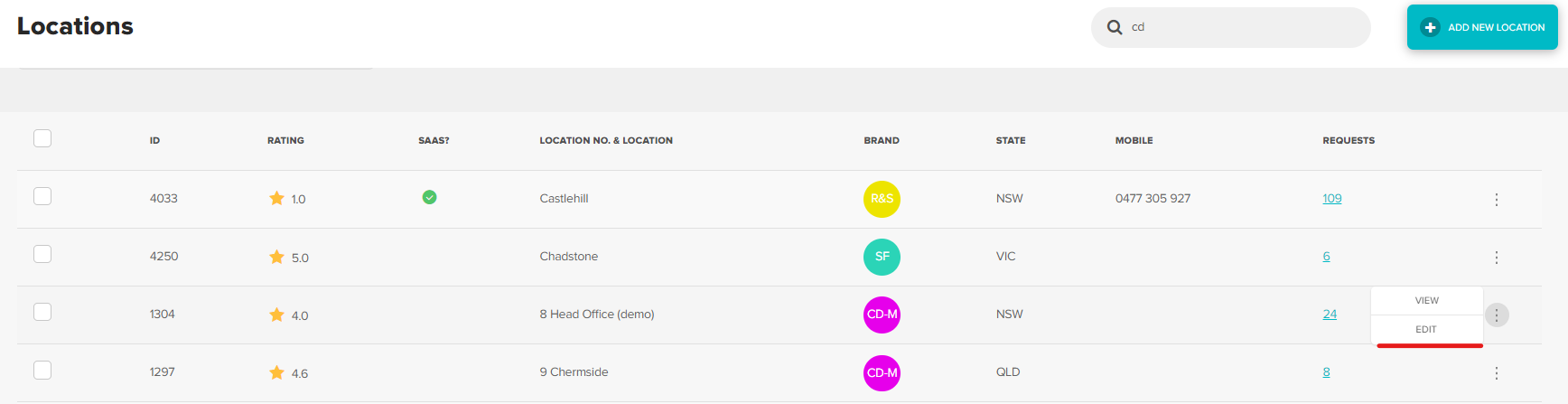
You can edit location details by hovering over the three dots to the right and clicking Edit.
Bulk CVC upload coming soon
Archiving
Select the location(s) you wish to archive using the tick boxes down the right hand side.

Click the Archive button at the of the page to confirm.

Unarchiving
Click the View Archived button at the top of the page.

Select the location(s) you wish to unarchive using the tick boxes down the right hand side.
Click the Restore button at the of the page to confirm.

Was this article helpful?
That’s Great!
Thank you for your feedback
Sorry! We couldn't be helpful
Thank you for your feedback
Feedback sent
We appreciate your effort and will try to fix the article