Locations are managed via the Locations tab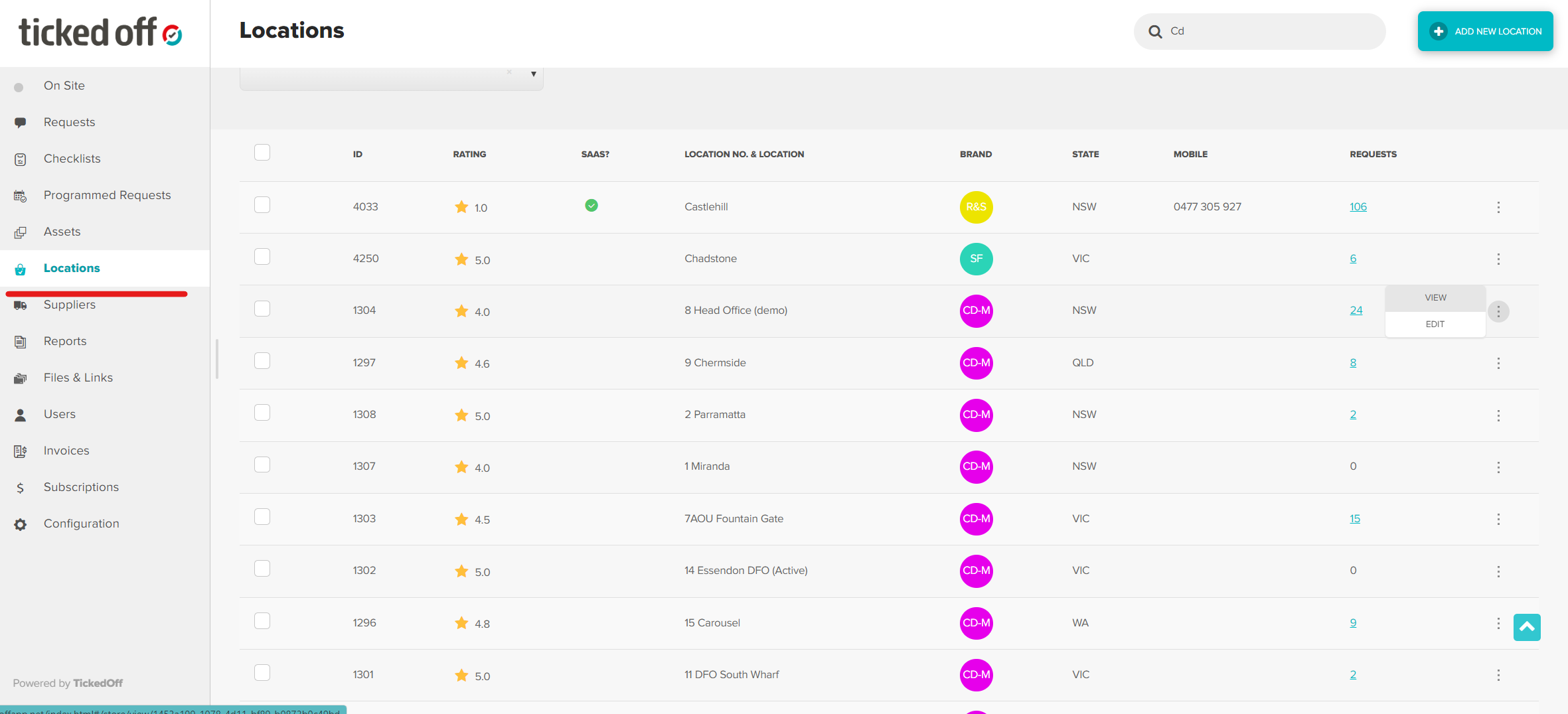
Add Single Location
To add a single Location, click Add New Location (top right of page)

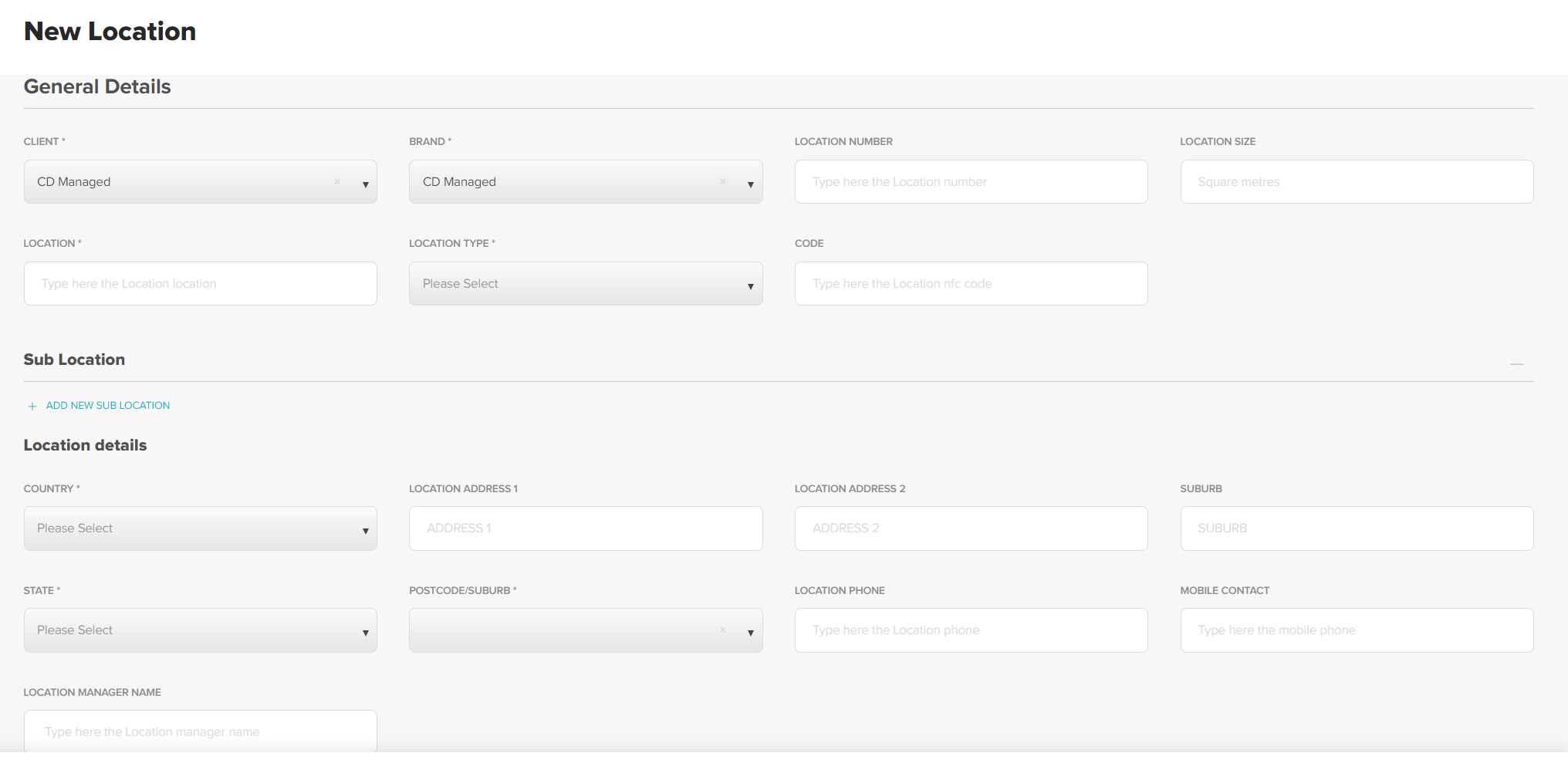
Enter General Details, including address
Add Site Specific Conditions
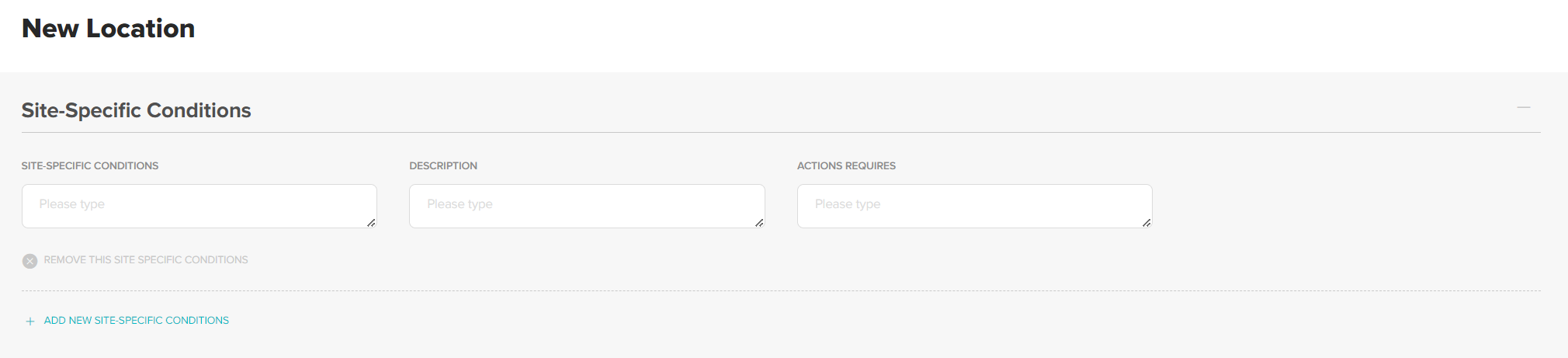
Site Specific Conditions are known risks or factors that Suppliers / visitors need to be made aware of. Examples include
- Evacuation Plan
- Hazardous materials
- Induction requirements
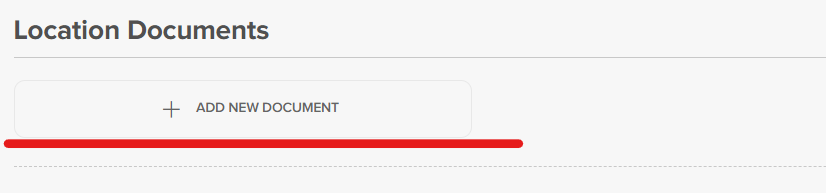
Add Location Documents. Examples include
- As built plans
- Finished Schedule
- Lease
Click Create Location to save

Bulk Upload Locations
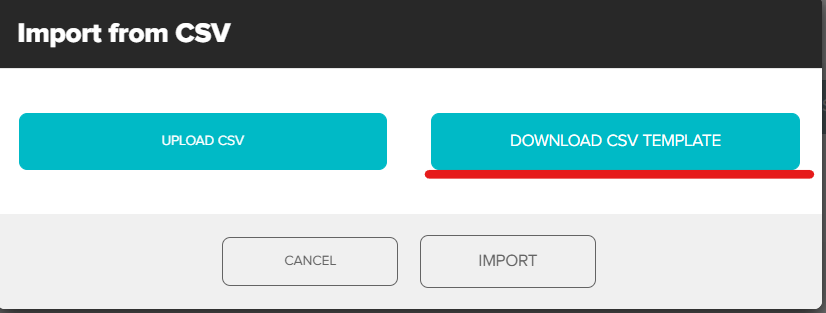
Bulk Upload is available via CSV. From the Locations list view, click Import Locations

Click Download CSV Template
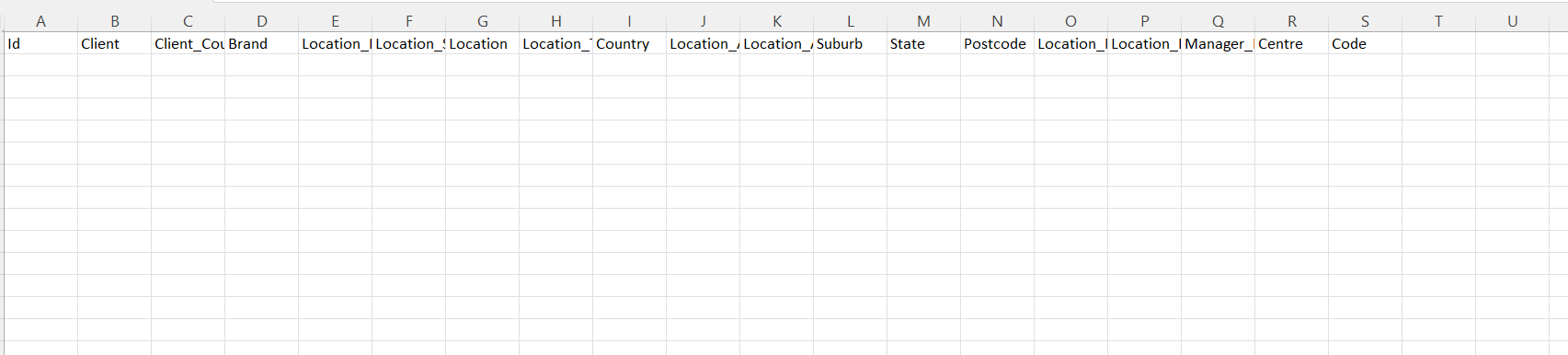
CSV template will download to your computer, add all Location details and save to your device
From the Import CSV popup click Upload CSV and select the saved CSV. Click Import.
Once Locations have been created, user accounts can be set up.
Was this article helpful?
That’s Great!
Thank you for your feedback
Sorry! We couldn't be helpful
Thank you for your feedback
Feedback sent
We appreciate your effort and will try to fix the article