Visitors can sign into site by scanning the QR code with their mobile device. Attendance history can be tracked through the platform via the On Site Tab, CSV download, or through your PowerBi reporting.
Signing in as a Visitor:
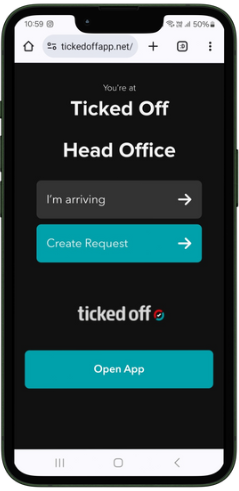
Scan QR and follow the link displayed. Tap "I'm arriving"
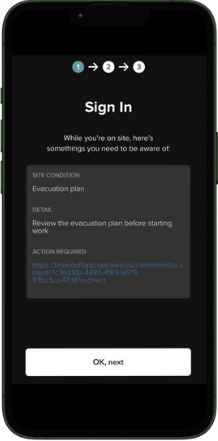
Acknowledge any known risks / conditions associated with this location, tap "OK, next" to continue
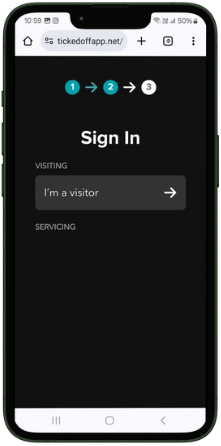
Tap "I'm a Visitor"
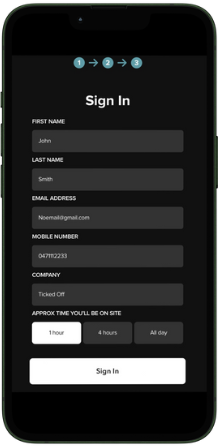
Fill in the form with your details. Tap "Sign In" to confirm
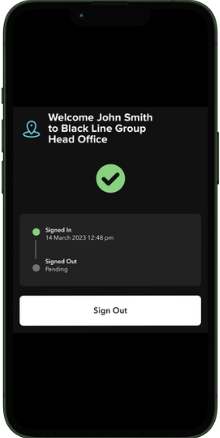
To sign out, Tap "Sign Out"
Was this article helpful?
That’s Great!
Thank you for your feedback
Sorry! We couldn't be helpful
Thank you for your feedback
Feedback sent
We appreciate your effort and will try to fix the article