This feature is all about saving you time on administration and minimise time spent chasing confirmation that work has been completed.
The day after a work request was due, you will receive an email asking you to confirm whether the job is complete. The Quick Action buttons allow you to mark a job as complete directly from your inbox - no need to log in to answer a simple question
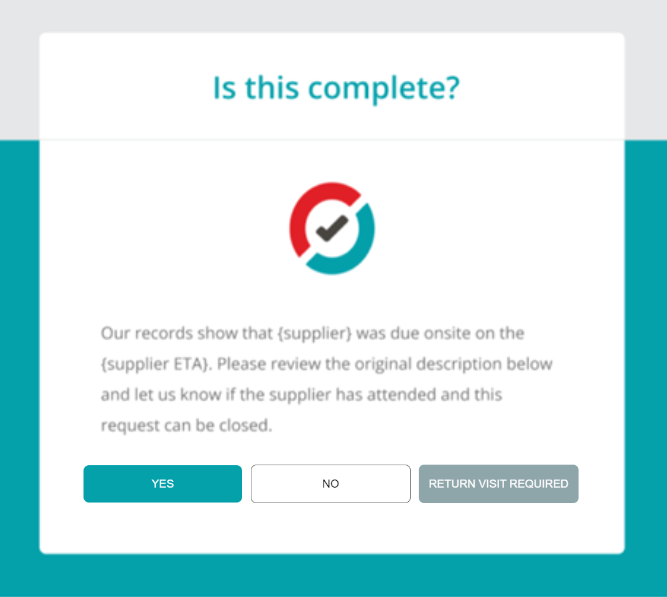
What happens when I click Yes? Clicking Yes will mark the job as Attended, moving it along to the Supplier Review Stage. Your Supplier will then get an email prompt to upload images, costs and documents for your administrator to review.
What happens when I click No? Your Supplier will receive an email prompt requesting that they update their ETA
Return Visit Required: The Supplier attended, but wasn’t able to complete the job. This allows you to confirm the job was attended, but was unable to be completed. Supplier will be prompted to provide a return date and ETA
For security purposes, this link will expire 36 hours after being sent.
Was this article helpful?
That’s Great!
Thank you for your feedback
Sorry! We couldn't be helpful
Thank you for your feedback
Feedback sent
We appreciate your effort and will try to fix the article